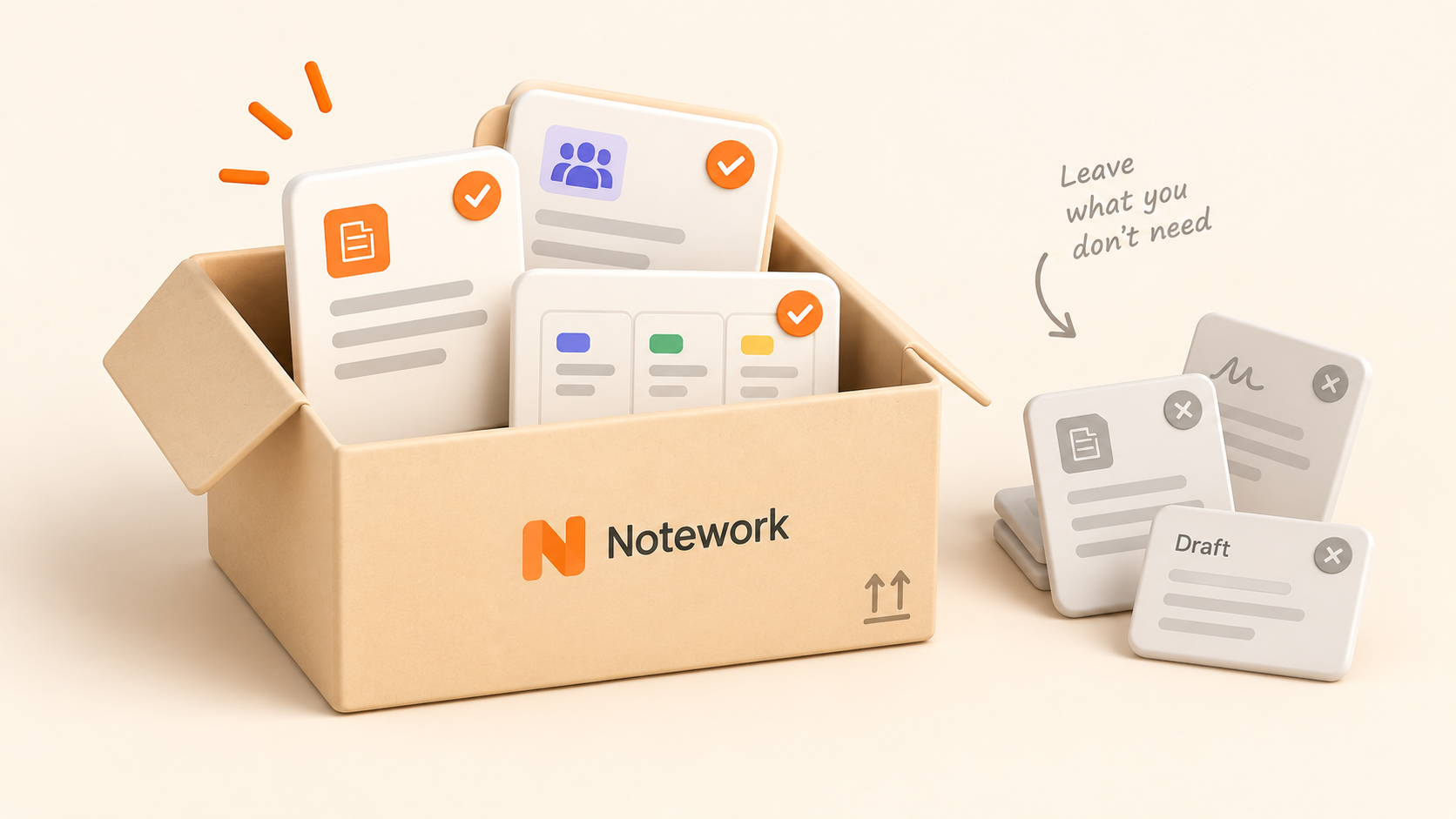
Moving to a new workspace creates an obvious question: how do we get everything from here to there?
There's another question worth asking first:
Does everything need to come with us?
A workspace that has been used for years will usually contain more than current work. There are abandoned pages, duplicate documents, finished projects, outdated processes, test databases, and information nobody remembers creating.
Migrating all of it preserves the same problems in a different tool.
Before you move, spend some time deciding what's still useful, what needs a clearer home, and what can stay behind.
Start by understanding what you actually have
Before reorganizing anything, get a rough picture of the workspace you're leaving.
You don't need a perfect inventory of every page. You're looking for the major types of information and work your team has accumulated.
That might include:
Policies and internal documentation
Project specifications and notes
Meeting notes
Tasks and issues
Roadmaps
Team processes
Research
Templates
Completed projects
Personal or experimental pages
This first pass helps you see what you're migrating as a system rather than as thousands of individual items.
It can also reveal inconsistencies you've stopped noticing. Maybe one team organizes everything by project while another keeps most documentation at the workspace level. Maybe similar information exists in several places.
You don't have to fix every inconsistency yet. First, identify them.
Separate current knowledge from historical clutter
Old doesn't necessarily mean useless.
A decision from two years ago might still explain why a system works the way it does. A completed project might contain specifications your team regularly references.
At the same time, plenty of old information has no lasting value.
For each major area, a useful approach is to sort content into three broad groups:
Keep: Current or historically useful information that should move.
Review: Information that might still matter but needs someone to check it.
Leave behind: Duplicates, abandoned drafts, tests, and material that no longer serves a purpose.
Don't turn this into a page-by-page archaeological project unless you have to.
Start with the obvious cases. Removing clearly unnecessary material can make the migration considerably easier to reason about.
Duplicate documentation is particularly easy to carry into a new system.
You might have two onboarding guides, three versions of a process, or several pages explaining the same product decision.
The problem isn't only that duplicates take up space. They create uncertainty.
If two pages explain the same process differently, which one should someone trust?
Before migrating duplicate material, decide which version should become the source people rely on. Pull in any useful information from the alternatives, then mark the others as unnecessary for the migration.
You don't need to eliminate every bit of overlap. Different teams can legitimately need different documentation about the same subject.
Focus on duplicates that make it difficult to know which information is current.
Review the structure, not just the content
Migration is one of the few moments when teams naturally reconsider how a workspace is organized.
Use it.
If your existing structure has become difficult to navigate, reproducing it exactly in the new tool misses an opportunity.
Look at the major areas you identified earlier and ask:
Does this information have an obvious home?
Are related documents scattered across unrelated areas?
Are teams using completely different organizational patterns?
Are old projects competing with active work for attention?
Would someone new to the team understand where to look?
You don't need to design the perfect workspace before importing anything.
You do need enough of a structure to know where the important material should land.
Decide what belongs together
One reason workspaces become difficult to navigate is that related information gets separated over time.
A project specification lives in one place. Its meeting notes live somewhere else. Tasks are in another system. The decision explaining why the project changed direction is buried in an unrelated folder.
When preparing for a migration, identify the information that makes more sense when kept together.
In Notework, Projects are designed to give related work a shared home. Pages hold written knowledge such as documentation, specifications, notes, and policies. Collections handle structured work such as tasks, issues, calendars, and roadmaps.
Thinking in those categories before migrating can help you distinguish between written knowledge, tracked work, and the broader projects or areas they belong to.
The goal isn't to force everything into a new taxonomy. It's to avoid recreating organizational choices that weren't working in the first place.
Find the pages nobody wants to take responsibility for
Every established workspace has information that seems important enough to keep but not important enough for anyone to maintain.
Those pages are worth reviewing before a migration.
For important documentation, identify who or which team is responsible for keeping it accurate after the move.
That doesn't require assigning a formal owner to every page. Focus on information where outdated guidance could create confusion, such as:
Company policies
Onboarding documentation
Recurring team processes
Technical instructions
Customer-facing procedures
Frequently referenced internal resources
If nobody can determine whether a document is still accurate, that's useful information in itself. It belongs in the review pile rather than automatically becoming part of the new workspace.
Don't reorganize everything twice
There is a tradeoff to cleaning up before a migration.
Do too little, and you bring unnecessary clutter with you.
Do too much, and you spend weeks perfecting a workspace you're about to leave.
Focus your pre-migration cleanup on decisions that affect what gets moved:
What should stay?
What should go?
Which duplicate is current?
Which information belongs together?
Who should review uncertain material?
Detailed restructuring can often happen once the content is in its new environment and you understand how that environment works.
The goal is to migrate intentionally, not to make the old workspace perfect.
Check what your new tool can actually import
Before making major changes solely for migration purposes, check what the destination tool supports.
Different migration tools preserve different kinds of information and structure. Knowing what can be imported helps you decide where manual cleanup is actually worth the effort.
Notework supports importing content from Notion, CSV, Markdown, and PDF, allowing teams to bring existing work into the workspace rather than rebuilding it manually.
If you're moving to Notework, review the available import options before deciding how much restructuring to do in your existing tool.
More generally, make import capabilities part of your migration plan early. You don't want to reorganize hundreds of items around an assumption that turns out not to match how the destination handles them.
Treat the migration as a useful boundary
A migration doesn't need to become a massive cleanup project.
It can simply be a boundary between what your workspace accumulated and what your team still needs.
Keep the documentation people rely on. Preserve historical context that still explains current work. Review anything uncertain. Leave obvious clutter behind.
Then give the information you're keeping a structure that makes sense in the system you're moving to.
If you're migrating to Notework, imports from Notion, CSV, Markdown and PDF can help bring existing work across. But the most useful migration decision happens before the import starts: deciding what deserves a place in the new workspace at all.