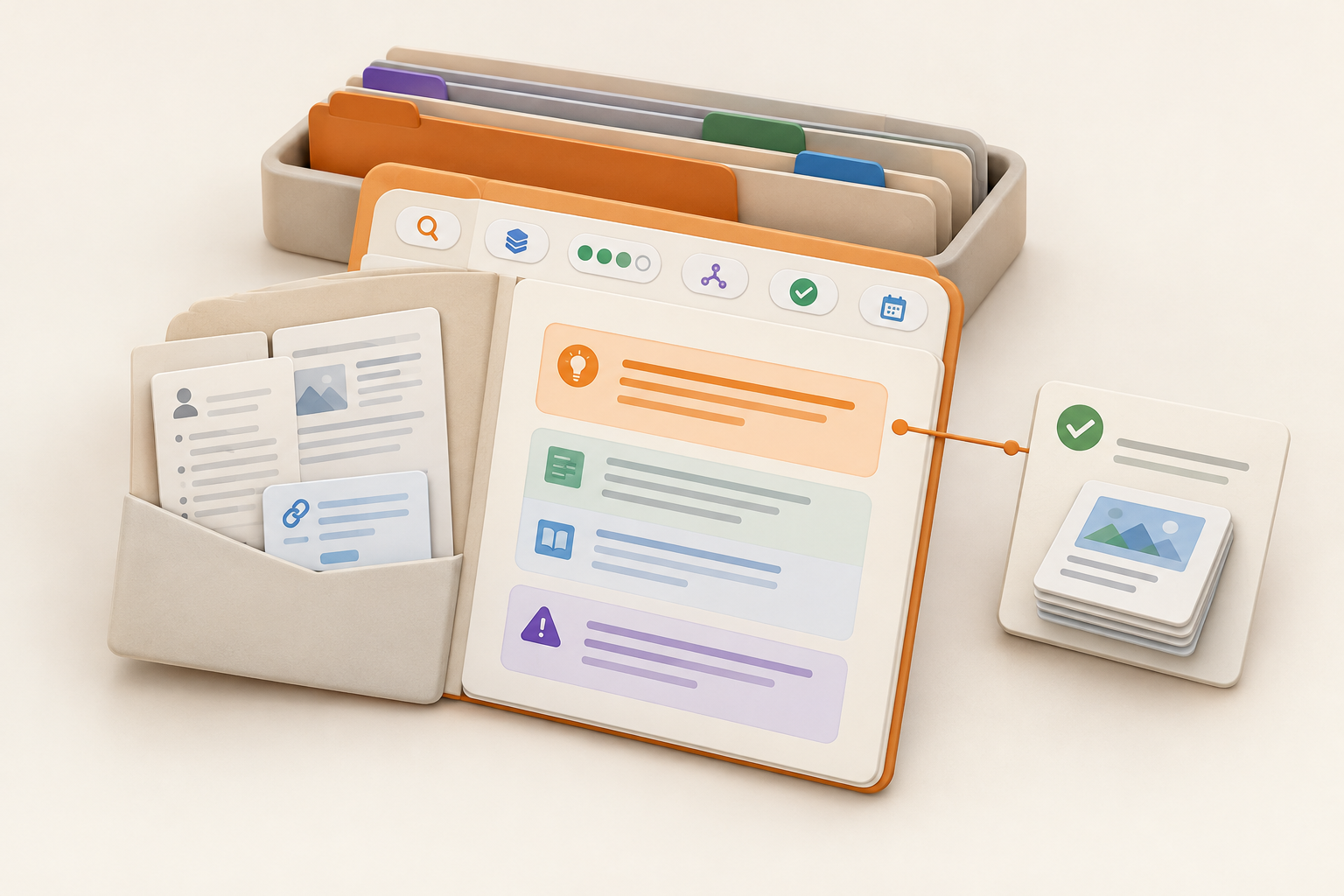
How to Build a Research Repository That Preserves Conclusions, Not Just Links
Atualizado em Oct 26, 202610 min de leitura
A folder full of interview recordings, reports, and saved URLs contains research. It does not necessarily preserve what your team learned.
A useful internal research repository captures the path from evidence to action. Someone returning months later should be able to see the question being investigated, the conclusion, the evidence behind it, how much confidence to place in it, and which decision it informed.
This guide covers shared repositories for product, marketing, strategy, and operations research. It does not cover academic archives, institutional deposit systems, or repository software selection.
A team research repository is a central place to store, organize, and access research materials and findings. It might contain customer interviews, market reports, competitor observations, survey analysis, campaign research, or notes from sales conversations.
The useful unit is the finding, not the file. A recording in a project folder may be valuable, but a future teammate still has to reconstruct the question, identify the important evidence, and work out whether anything changed afterward.
A repository should preserve that context without requiring the original researcher to provide live commentary.
Consider this repository entry:
Onboarding interviews, April
Recording: [link]
The recording may be valuable, but the entry gives a future teammate little reason to open it. They would need to watch the interview, reconstruct the research question, decide which comments mattered, and work out whether anything changed afterward.
A reusable entry looks more like this:
New administrators hesitate when asked to choose account permissions during setup
We investigated where new administrators became uncertain during onboarding. Interview evidence suggested that the permission labels required knowledge they did not yet have. Confidence: medium. This finding informed a revision to the onboarding instructions.
The source remains available, but the conclusion is visible. The title carries useful information, and the affected decision gives the finding a place in the project’s history.
Treat the finding as the basic unit of the repository. One study may produce several findings, each connected to different decisions. Storing only the study forces future readers to repeat the synthesis.
Every entry needs enough information to answer five questions:
Write the conclusion while the context is fresh. “We’ll synthesize this later” often means someone will rediscover the notes during a cleanup, stare at them for two minutes, and quietly close the tab.
Keep structured fields for retrieval, sorting, and review. Put the reasoning and nuance in the full entry. UX Studio’s practical repository guidance also recommends treating the repository as a shared resource with deliberate structure and maintenance.
If a field will never be filtered, grouped, or used during maintenance, it probably does not need to be a field.
| Field | Purpose |
|---|---|
| Title | A short, conclusion-led description of the finding |
| Research question | The question the work was meant to answer |
| Research type | Interview, survey, report, competitor research, or another controlled category |
| Source | A link or reference to the supporting material |
| Research date | When the evidence was collected or published |
| Finding | A concise statement of what the team concluded |
| Confidence | A small set such as low, medium, or high |
| Affected work | The project, decision, brief, campaign, or specification informed by the finding |
| Owner | The person responsible for clarifying or reviewing the entry |
| Themes | A limited vocabulary used to retrieve related findings |
| Review date | When time-sensitive evidence should be reconsidered |
| Evidence status | Current, needs review, or superseded |
Adapt the list to your work. A team conducting occasional market research probably needs fewer fields than one running interviews every week.
Define what confidence labels mean for your team. Low confidence might indicate an early signal or indirect evidence. Medium could mean a repeated pattern with meaningful caveats. High should require stronger, converging evidence. The label is a prompt to inspect the reasoning, not a mathematical score.
Be restrained with themes. “Onboarding” and “permissions” can be useful recurring concepts. Turning every phrase from an interview into a tag produces a taxonomy that resembles the kitchen drawer where batteries, tape, and three unidentified keys go to retire. See the guide to knowledge base taxonomy without tag soup for a deeper approach to controlling this vocabulary.
The structured fields help someone locate a finding. The full entry helps them judge it.
Use the entry body for:
“Medium confidence” alone says very little. Explain whether the rating reflects limited evidence, disagreement between sources, an indirect research method, or conditions that may have changed.
Marking a finding as superseded preserves the history and points readers toward newer evidence. Silently rewriting or deleting it makes an old decision harder to understand.
Suppose onboarding interviews include comments like these:
“I’m not sure whether contributor means they can change settings.”
“Can I revise this after setup?”
Those excerpts are evidence. They are not yet the finding.
A completed repository entry could read:
Title: New administrators hesitate at the permission-selection step
Research question: Which parts of account setup cause uncertainty for first-time administrators?
Research type: Customer interviews
Finding: Participants were uncertain about the consequences of choosing a permission level and whether that choice could be changed later.
Confidence: Medium
Confidence notes: The pattern appeared across the interviews examined, but the research covered new administrators in one customer segment. It may not represent experienced administrators or other segments.
Affected decision: Revise the onboarding copy to explain what each permission level allows and whether the selection can be changed.
Evidence status: Current
The full entry would contain the relevant excerpts, links to source notes or recordings, interview context, and any evidence that complicates the conclusion. The onboarding brief or decision page would link back to this entry.
Add a link from the research entry to the decision, campaign brief, product specification, or experiment it influenced. Then link from that project material back to the supporting evidence. This lets someone move from “Why did we choose this?” to the research, or from an old finding to everything it affected.
Use precise descriptions around the links. “Supporting research” is less helpful than “Interview finding that led us to clarify permission choices.” For more on preserving the reasoning behind project changes, see how to keep a project log that reconstructs what happened.
A finding can inform an experiment even when the test produces an unexpected result. Record that connection so the original evidence remains part of the decision history.
People rarely remember that the useful interview study was called “April onboarding round 2.” They remember the problem: customers were confused about permissions, a campaign stalled during approvals, or buyers kept comparing two plans.
Design retrieval around that reality:
Useful searches sound like “why administrators abandon setup” or “evidence about campaign approval delays.” A repository that only works when someone remembers the study title is a filing cabinet with a trivia requirement.
Repository maintenance should be part of research and project closeout, rather than a heroic cleanup every six months.
Use a small routine:
Assign one person to maintain the schema, theme vocabulary, and review queue. That person does not need to read and repair everyone’s research notes. Each contributor still owns the quality of the entries they create.
Skip automatic expiration rules for every finding. Some evidence becomes stale quickly, while other findings remain useful for years. Add review dates where product changes, market conditions, or the passage of time could alter the conclusion.
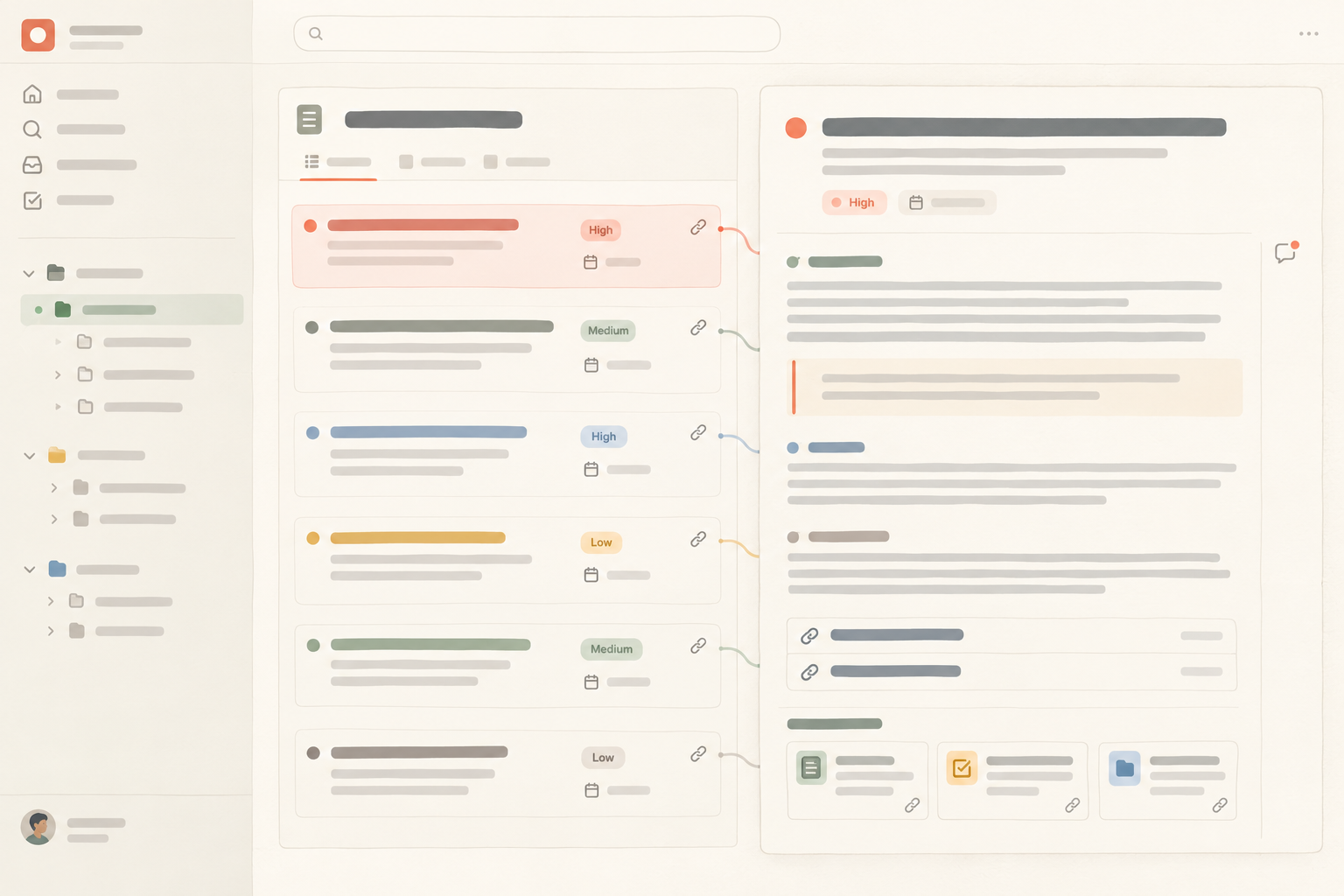
In Notework, a workspace contains projects, and every page and collection belongs to a project. A team can create a Research Findings collection in a shared research project, or keep a focused collection inside the project where the research belongs.
A collection is a structured set of full entry pages. Typed properties can hold fields such as research type, source URL, research date, confidence, owner, themes, review date, and evidence status. Each entry page then holds the excerpts, interpretation, caveats, confidence notes, and supporting context. The collection handles retrieval while the entry page preserves the reasoning.
Saved Table, Board, List, Calendar, Timeline, and Gallery views are different ways to examine the same entries. For this workflow, a table showing current findings and a list filtered to “needs review” will usually be enough at first. Views can retain filters, sorts, grouping, and visible properties.
Entry pages support links, mentions, backlinks, and block-anchored comments. A backlink connects a finding to the project page that used it. A comment anchored to the conclusion or an excerpt keeps discussion attached to the specific claim under review.
Notework search combines exact matching with semantic retrieval. That supports searches based on a remembered problem rather than an exact title. Results only include content the reader is allowed to access.
This is the product-shaped version of the workflow, but the method works elsewhere too: keep structured fields small, preserve context in the full entry, and connect evidence to the work it influenced.
Start with one collection and a minimum schema:
Run the workflow for a few projects before adding more fields. Let the repository grow in response to actual retrieval needs, not imagined future taxonomy emergencies.
If this collection-and-entry-page workflow fits how your team works, you can try it in Notework or start a 14-day free workspace trial with Team-level access.
See also document decisions so your team can find them later.
See also keep a project log that reconstructs what happened.
See also project overview.
See also requirements traceability.
See also meeting recap.
See also organize project documentation.