How to Keep a Project Log That Reconstructs What Happened
Actualizado Oct 20, 202610 min de lectura
A project log is a selective chronological record of the events that changed a project or explain its current state. It helps someone reconstruct what happened, why it happened, and what changed as a result.
The term can also mean a broad logbook that combines trackers and status material. This guide uses a narrower definition: record consequential events, then link to the plans, decisions, issues, and meeting recaps that contain the supporting detail.
Projects change gradually. A launch moves by a week. A feature gets deferred. An external dependency forces a different approach. Ownership changes after someone leaves the project.
Each event may be documented somewhere, but rarely in the same place. The approval lives in email, the revised date appears in the plan, and the explanation is buried halfway through meeting notes. Three months later, everyone can see the current plan. Nobody remembers how it became the current plan.
A project log provides the missing chronology. Early entries can record the original goal and possible approaches. Later entries preserve the decisions, changes, incidents, and external events that shaped the work.
Keep it selective. If the log records every task completion and minor edit, useful events disappear into administrative confetti.
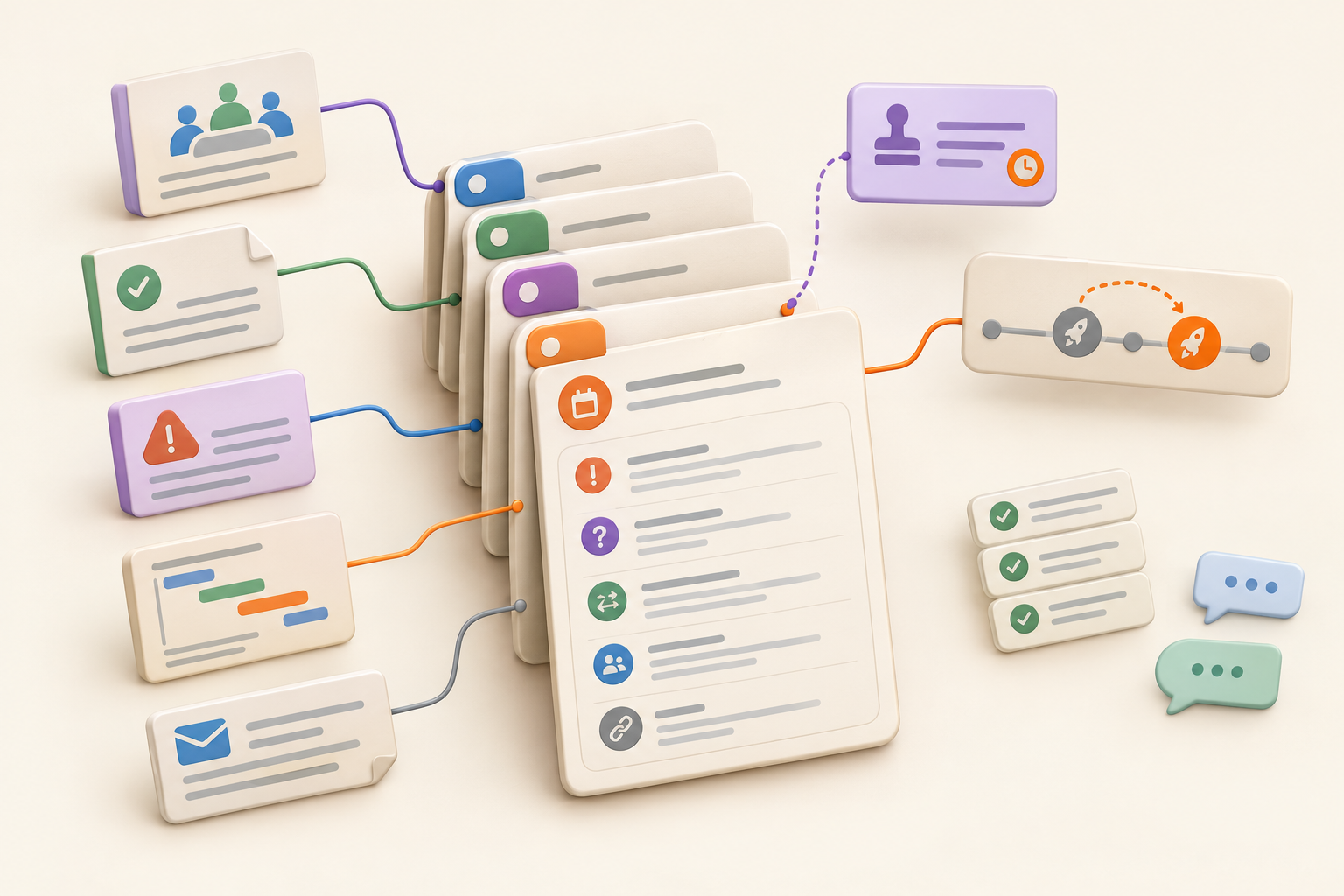
A good project log connects the project’s other records without trying to replace them.
A project plan records the current direction. The log explains how that direction developed. When the plan changes, update the current plan and add a short entry about the event behind the change.
A status update communicates present progress, immediate concerns, and next steps. “Design work is in progress” belongs in an async project update. “Customer approval moved the launch from June 4 to June 11” belongs in the log because it explains a lasting change. Project status definitions can help keep present-state labels separate from historical events.
Meeting notes preserve the discussion, questions, and commitments. The log needs only the resulting event and its consequence. Keep the conversation in the meeting recap, then record the decision or change in the project history.
Tasks and activity logs record work being done. Assignments, due dates, routine completions, and daily activity belong in the task tracker or operational record. Copying them into the project log creates two places to maintain the same work.
An issue log manages problems that need a response. Investigation notes, ownership, status, and resolution details should stay in issue documentation. An issue can still produce a project-log entry when it changes the schedule, scope, delivery approach, or another part of the project story.
Change control evaluates a proposed change. Once the decision is made, the project log records the result and links back to the evidence in the project change control record.
Use one inclusion test:
Add an entry when an event changes the work or supplies context a future teammate will need to explain the project’s current state.
That includes events such as:
The event does not need to be dramatic. A quiet decision to stop supporting an old import format may explain several later choices. Preserve it while the reasoning is still available.
Skip routine task completions, repeated status summaries, full meeting transcripts, raw chat threads, and trivial document edits. Keep detailed issue investigation in the issue tracker and detailed approval discussion in its source record.
Avoid logging predictions as though they were events. “Legal review may be late” is a status concern. If the review is delayed and the launch moves, record that outcome.
An exhaustive log becomes a second task tracker, except worse, because nobody knows which copy is current.
A practical entry needs five parts:
This is a working format, not a universal project-management standard:
[Date]: [Event]
[What happened.] [What changed as a result.] [Owner and follow-up, if needed.]
Context: [Plan] · [Decision] · [Issue] · [Meeting recap]
The entry should make sense on its own. Links carry the details.
June 7: Customer approval moved the launch
The customer did not approve the final campaign creative by the June 6 cutoff. The launch moved from June 10 to June 14, and the paid media booking was revised. Priya owns customer follow-up and will confirm approval by June 11.
Context: Revised launch plan · Approval decision · Creative approval issue · June 7 meeting recap
A future reader can see what happened, what changed, and who followed up. The entry does not copy the meeting discussion, every issue update, or the revised plan into the log.
If the customer approves the creative on June 11 without further consequences, update the issue and continue. Add another log entry only if the approval marks a meaningful new state or changes the plan again.
Base the format on the volume of consequential events, the number of contributors, and how people need to retrieve the history. Team size alone is not a useful test.
A single page with dated headings works well when consequential events are infrequent and people usually read the history from beginning to end.
Keep the newest entry at the top if people mainly check recent changes. Use oldest-first order if the page is usually read as a narrative. Pick one direction and label it clearly. Reverse chronology becomes surprisingly confusing when half the team assumes the opposite.
Create separate dated entries when several people contribute, fields need to stay consistent, readers need to filter by event type or period, or individual events need substantial explanation and supporting material.
Each entry should still contain a readable account. Structured fields help retrieval, but “June 7, Change, Priya” is not much of a history by itself.
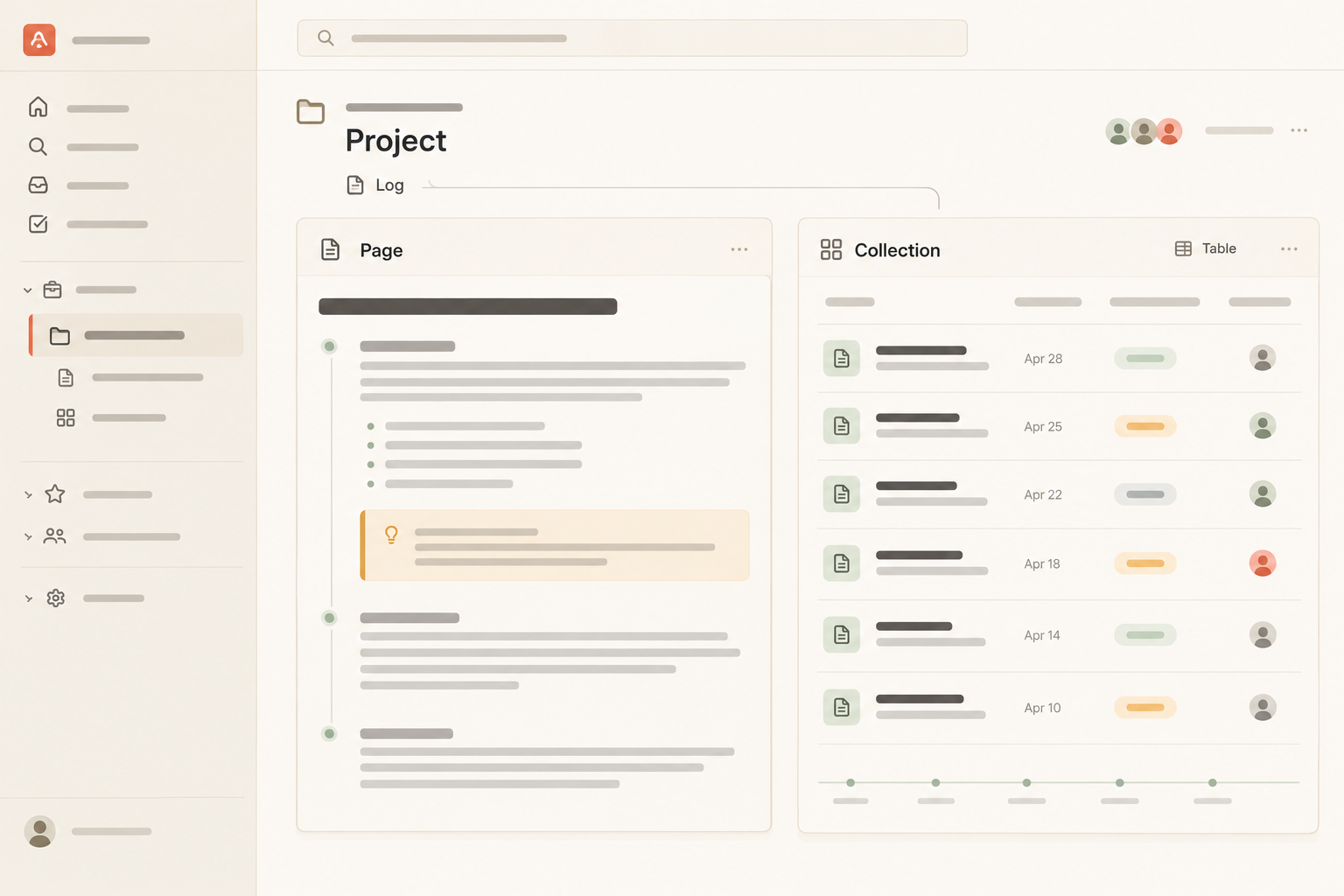
This choice maps directly to Notework’s two basic ways of working. Use a Page when you are writing or organizing a running narrative. Use a Collection when you need a repeatable structure made of many full entry pages.
Notework is a simpler, more opinionated workspace for small teams that want documentation and day-to-day work together without designing and maintaining an elaborate system.
A Notework workspace contains projects, and every page and collection belongs to a project. Put the log in the project that contains the plan and related work. That keeps the history beside the material it explains instead of turning it into a detached archive.
Each project has a home, which gives the team a place to orient itself around the project log, plan, tasks, issues, and supporting pages. Use that project-level structure as part of the log’s maintenance method. When someone joins the work or takes over the project, they should have a clear place to begin. A useful project overview can help establish that orientation.
The project model also makes the running-page versus structured-entry decision practical:
That separation is the point. The log preserves the project’s story. The trackers manage work that still needs attention.
Use a Page when the log is primarily a running narrative. Add dated sections and link each entry to supporting pages or collection entries. Pages support nested pages, mentions, backlinks, history, and comments anchored to specific blocks.
A block-anchored comment lets a teammate question one entry without starting a vague discussion about the entire log.
A simple page structure might be:
This format works especially well when the history is read in sequence. The page itself provides the narrative, while linked material supplies the evidence.
Use a Collection when the project needs repeatable dated entries. Collections are structured sets of entry pages, so every event can have typed properties while retaining a full page for its narrative and supporting links.
Useful properties include:
Saved Table, List, Calendar, and Timeline views present the same entries in different ways. A Table view helps maintain consistent fields. Calendar and Timeline views make the chronology easier to inspect. They are lenses on one collection, not separate copies of the log.
Notework also includes Task Tracker and Issue Tracker collection presets. Use those for actionable work and unresolved problems, then link consequential outcomes to the project log. A bug can remain an active issue while the log records that it forced a release change. A decision can remain on its own page while the log records the decision’s effect on scope.
Search combines exact matching with semantic retrieval and only returns content the reader can access. Someone who remembers “the customer approval that delayed the campaign” can search by that description rather than needing the exact entry title. That matters when the person looking for the history was not present when the entry was written.
Assign one person to maintain the log, usually the project owner or whoever publishes the regular project update. Other contributors can suggest entries, but clear ownership prevents everyone from assuming someone else recorded the decision.
Add an entry immediately after a consequential event when possible. If that is impractical, review the log as part of the normal project update. Check decisions, closed issues, approvals, and plan changes since the previous update, then record only the events that changed the project story.
Occasionally remove or consolidate entries that merely repeat status. Preserve the chronology that explains the work. Let the trackers handle the churn.
If you want to keep the log, plan, tasks, and issues in one project structure, start a Notework workspace. Every new workspace includes a 14-day free trial with Team-level access.
See also change-control record.
See also issue documentation.
See also async project update.
See also project status definitions.
See also hand off an active project.