Backlog Hygiene: How to Keep a Team Backlog Credible
Actualizado Oct 14, 202613 min de lectura
A backlog should contain work your team might actually pursue. Once it fills with duplicates, forgotten requests, speculative ideas, and tasks nobody understands, it stops helping anyone decide what to do next.
Backlog hygiene is the work of keeping that list plausible, understandable, and worth reviewing. Backlog grooming, also called backlog refinement, usually means discussing, reviewing, and prioritizing backlog items on a regular basis. Small teams can do the useful part without adopting a formal ceremony: preserve enough context, make a decision, and leave the item easier to understand next time.
The most reliable setup keeps each item’s structured fields and supporting context together. Ownership, status, and priority should be easy to scan. The problem, evidence, discussion, and decision history should be close enough that nobody has to reconstruct the item from old messages.
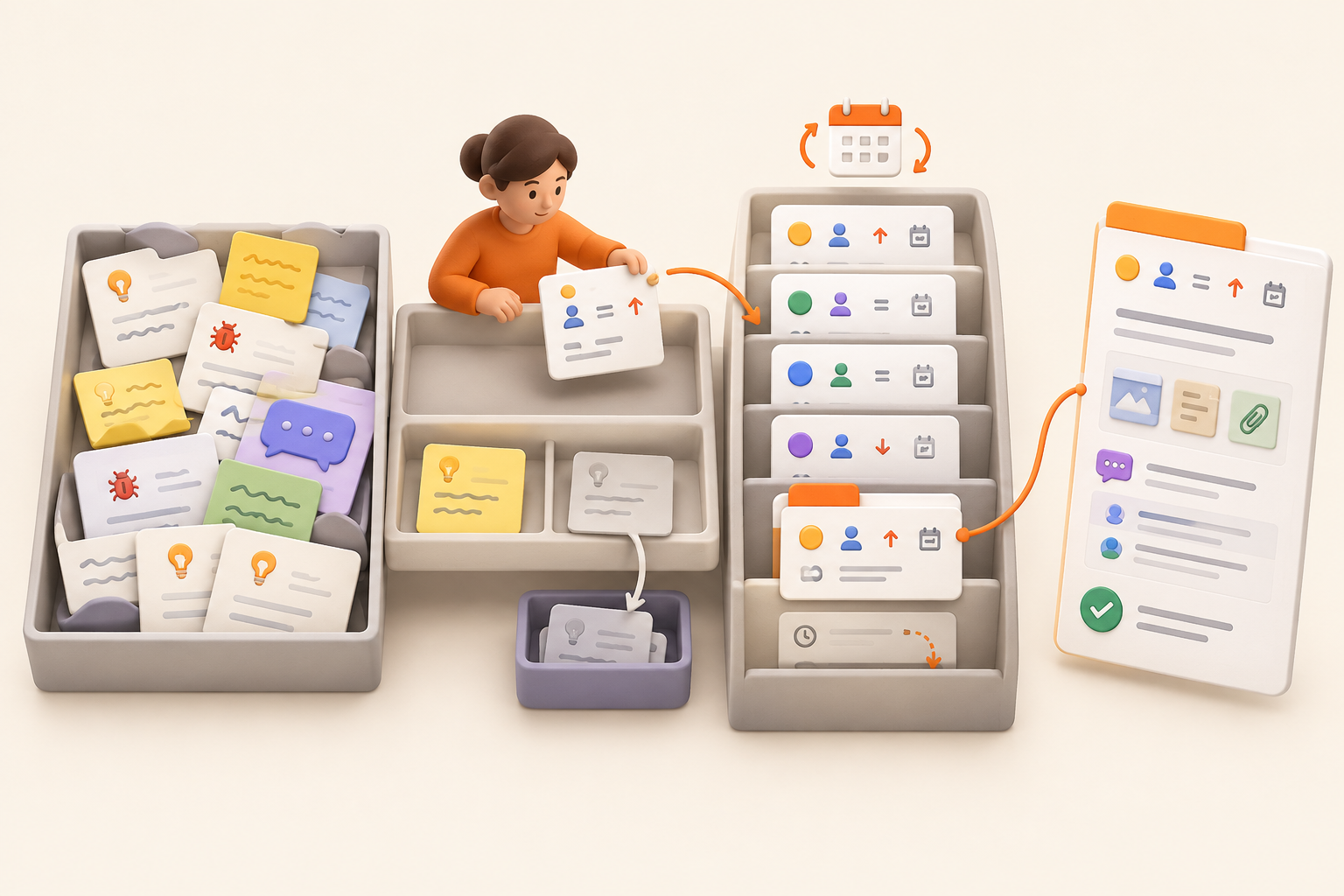
Treat the backlog as a reviewed list of candidates. It sits between raw intake and active work:
Moving an item into active work should represent a real commitment. Changing its status because the board looks untidy does not count.
This separation also keeps the backlog shorter. Practitioner advice often favors committing later rather than maintaining a large inventory of dangling possibilities. Every item you keep asks someone to interpret, update, and reconsider it. A backlog that contains fewer plausible candidates is easier to trust.
A structured collection can make this distinction visible. Intake can remain a lightweight capture area, while a reviewed task or issue collection contains only items that have met the team’s admission standard. The collection becomes the decision list, not a graveyard for every passing thought.
People need somewhere to put a customer request, possible improvement, or bug report before they lose it. Capture should be easy. Admission to the backlog should require a little more thought.
When both steps happen in one list, every passing suggestion starts to resemble planned work. The backlog grows quickly, and future reviews become debates about what half-written titles used to mean.
Teams handling a steady stream of requests may want a separate request intake process. For a smaller team, an inbox or notes page may be enough. The important boundary is that capture preserves an idea. Backlog admission means the team has reviewed it and can plausibly imagine acting on it.
An item is ready to enter the reviewed collection when it has:
That standard does not demand a finished specification. “Customers can’t tell whether an export is still running” may be enough to preserve the problem. Interface details and acceptance criteria can wait until the work is close enough to justify them.
Use the entry page for the explanation. Keep status, owner, priority, and date in structured properties so the team can review them. The item can carry the supporting brief, evidence, links, and decision notes without forcing all of that into a title or narrow field.
Keep these outside the reviewed backlog:
A someday list can retain an idea that is not a credible candidate yet. Name it honestly. Calling it a backlog does not make the work more likely to happen.
Backlog titles tend to make perfect sense on the day they are written. Three months later, “Improve permissions” could mean a customer complaint, an internal cleanup, or somebody’s ambitious Friday afternoon idea.
Before admitting an item, preserve this minimum context:
Add scope as the work approaches. Detailed requirements written months in advance often become stale before anyone uses them. The item needs enough context to support a later decision, not a complete plan for work the team may never do.
If an item is an issue, link the evidence and investigation notes that help someone understand it. For a broader approach to recording issue context, see how to document decisions and supporting work.
Use structured fields for information you regularly filter, sort, or group: status, owner, priority, and perhaps a relevant date. Put the brief, evidence, investigation notes, rationale, and decision history inside the entry page itself.
A 47-column tracker is technically organized. So is an aircraft cockpit, but you probably do not need one to review a copy change.
A full entry page gives the item somewhere to retain its meaning. The collection view can answer “what is ready?” or “what has no owner?” without stripping away the detail needed to decide what happens next.
A useful status tells the team what happens next. The exact labels can match your language, but a lightweight model might include:
“Deferred” needs particular care. Without a reason to revisit the item, it becomes a waiting room with no exits. Record the trigger, such as the next planning cycle, completion of another project, or new customer evidence. If no trigger exists and nobody expects to pursue the work, close it.
In a structured collection, these statuses should be properties that support review. The explanation for a deferral belongs in the entry page. If the item was declined because of a project decision, keep that rationale near the relevant project briefs and decisions.
Name a backlog owner or rotate the role. This person prepares items for review, follows up on missing context, finds likely duplicates, and records outcomes.
They should not become the sole judge of what matters. Priority and commitment decisions belong with the people responsible for the project and its goals. The owner keeps the collection credible. The relevant team members decide what the team will pursue.
Without explicit maintenance ownership, everyone assumes someone else will clean up the list. This is how a nine-item backlog becomes an archaeological site.
Choose a predictable rhythm based on how quickly new items arrive and how often the team plans work. A high-volume team may need a brief weekly pass. A team receiving occasional requests can review less frequently.
Regular, modest maintenance is easier than a heroic quarterly cleanup. The review can happen asynchronously, in a short meeting, or alongside existing planning. Use whichever format produces decisions without adding process for its own sake. A lightweight process is often enough for a small team.
The backlog owner should gather:
Do not read every historical item aloud. Prepare the subset that has changed or requires a decision. A saved view filtered to Considering, Deferred, or missing ownership can make this preparation much quicker.
A useful review checks relevant changes, clarifies work likely to happen soon, and decides whether to reorder, park, or remove items.
For each item under review, choose an outcome:
A review that only rearranges cards has performed interior decorating. Leave with decisions and assigned follow-up.
The same collection can support different review questions through saved views. A Board view can show status. A Table view can expose missing owners or dates. A List view can provide a quieter reading queue. They are different ways to inspect the same entry pages, not separate backlogs.
Update the status, owner, rationale, and relevant links. A short note such as “Deferred until the billing migration is complete; Priya will reconsider during the next planning review” can prevent the same discussion from happening again.
Keep higher-level sequencing separate from backlog upkeep. If stakeholders need to understand confidence and timing across broader initiatives, use a Now, Next, Later roadmap rather than forcing the backlog to do two jobs.
Delete items when they are duplicates, accidental entries, or fragments with no useful history. Archive items when the past decision may help someone later, including:
Remove items with no remaining sponsor, no plausible path forward, and no reason to revisit them. Keeping an idea forever does not honor the idea. It obscures the work that still deserves attention.
The distinction matters when your collection is also a record of decisions. Delete dead clutter. Keep a useful entry page when its evidence or rationale may help someone understand a later choice. For more on preserving that rationale, see how to document decisions so your team can find them later.
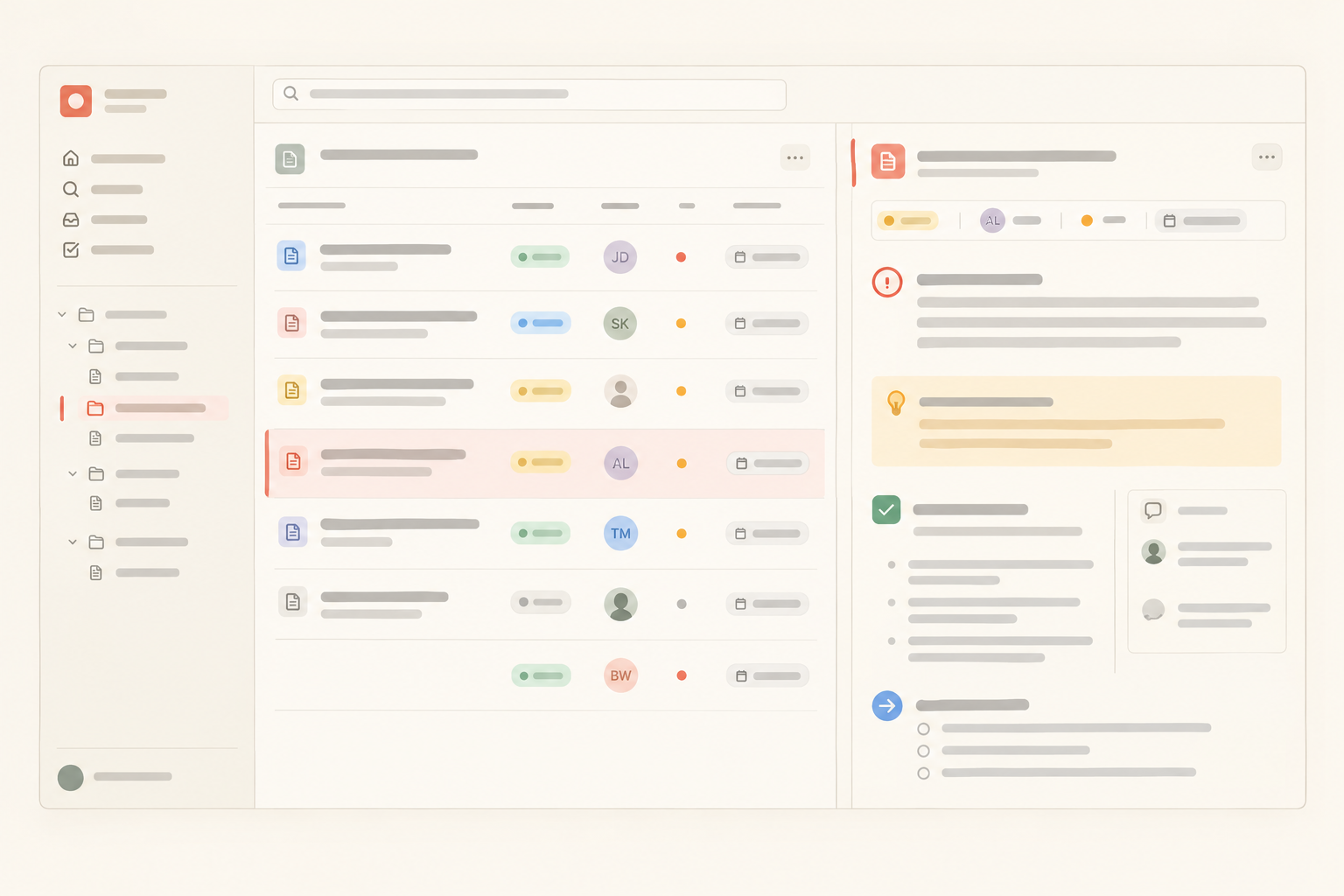
Notework’s structure fits this policy directly. A workspace contains projects, and every page and collection belongs to a project. Put the backlog collection in the project where the related brief, decision notes, and supporting documentation live.
That gives the policy a concrete shape:
This model is useful because the backlog is not treated as a flat list of titles. The structured fields answer quick review questions. The entry page holds the explanation needed for admission, clarification, deferral, or archive decisions.
Notework collections are structured sets of full entry pages with typed properties. Task Tracker and Issue Tracker presets are included, so a team can begin with a practical structure instead of designing one from scratch.
Use properties such as status, assignee, priority, and date where they help with review. Each task or issue remains a full entry page, allowing its report, evidence, links, decision notes, and files to stay with the structured work item.
If you are deciding whether a piece of work belongs in a task or an issue, this guide to task or issue can help. The broader backlog policy stays the same: admit work deliberately, preserve enough context, and make the next decision visible.
Project briefs and decision logs can live in regular pages. Pages support nesting, mentions, backlinks, and block-anchored comments, so backlog entries can point back to context shared across several items. Keeping documentation and tasks together reduces the chance that the item’s explanation disappears into another tool.
Start with a status-oriented Board or Table view for the main backlog review. Add a view grouped or sorted by assignee to reveal unowned work. A priority view can help prepare the next planning conversation.
Notework supports Table, Board, List, Calendar, Timeline, and Gallery views. These are saved views of the same collection entries, with filters, sorts, grouping, and visible properties. A backlog probably does not need all six. Use the few that answer recurring review questions without duplicating the underlying work.
For example, one collection might contain these saved views:
The views make preparation easier, while the entry pages preserve the context needed to make the decision.
Comments in Notework are anchored to specific blocks on pages and entry pages. A teammate can ask for evidence beside the report, question a requirement beside the relevant paragraph, or discuss a decision where it was recorded. The clarification stays close to the detail it concerns.
That is especially useful during backlog review. Instead of leaving “needs more information” as a vague status, a reviewer can comment on the relevant block and the owner can resolve the question in the same entry page.
Copy this into your team’s working agreement and adjust the labels to fit your process:
Every item should still deserve the team’s attention and make sense to someone who was not in the room when it was created. A collection with clear entry pages and saved review views gives those rules somewhere practical to live.
If you want to try this workflow in Notework, every new workspace starts with a 14-day free trial with Team-level access. If you do not pay for the workspace afterward, it becomes read-only, while viewing and exporting remain available.
See also project briefs and decisions.
See also documentation and tasks together.
See also lightweight process.
See also overbuilt workspace.