How to Run a 30-Minute Project Premortem
Actualizado Oct 14, 202611 min de lectura
A project premortem should produce a decision, not just a scarier meeting note. The useful outcome might be a changed approval path, a named dependency owner, an early test, or a deliberate decision to take no further action.
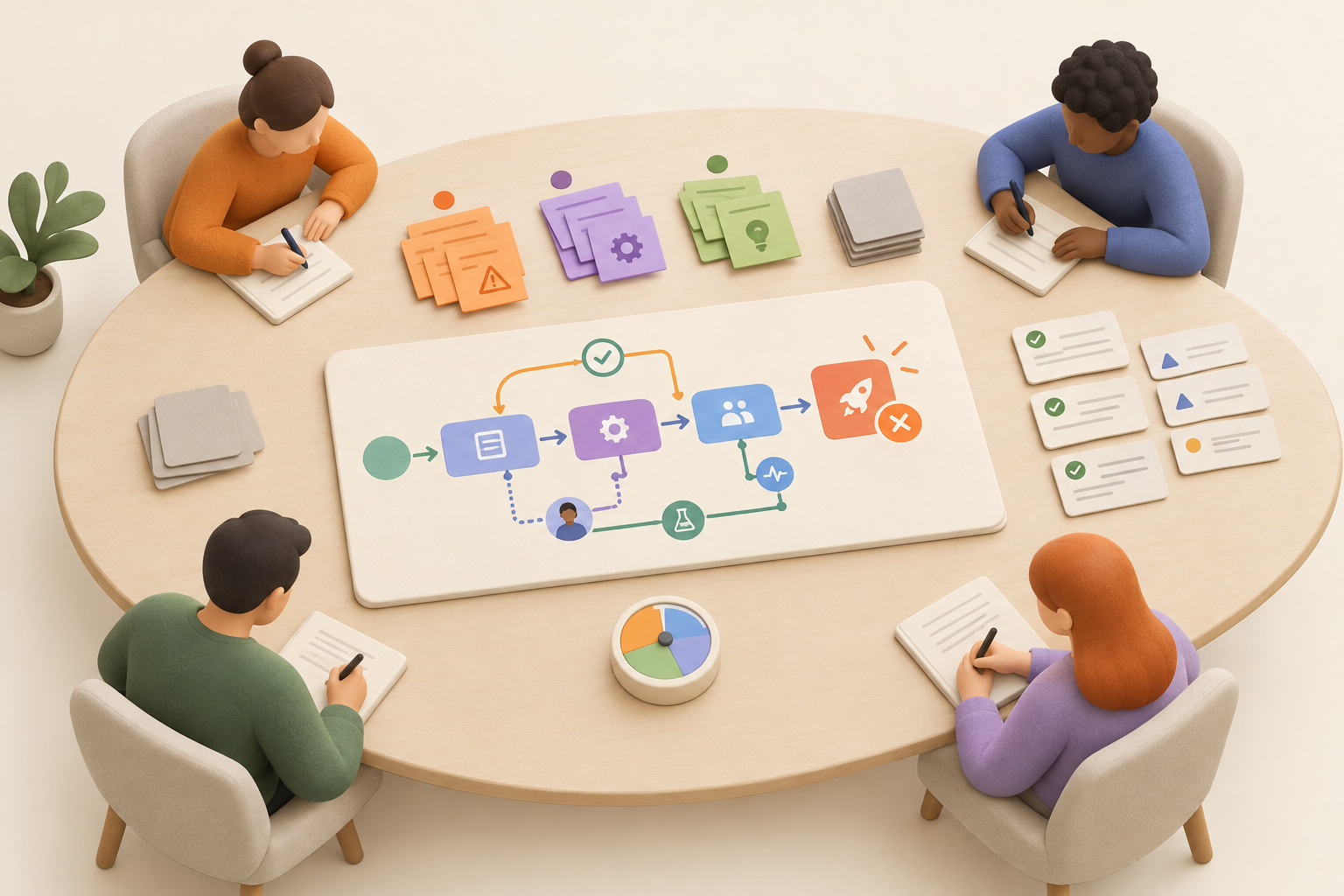
The exercise fits into 30 minutes. Imagine the project has failed, identify plausible causes, discard weak speculation, and decide what deserves action while the work can still be influenced.
A project premortem is a planning technique used before a project is completed or launched. Participants imagine that the work failed, then work backward to identify events, decisions, missing decisions, or dependencies that could have caused the outcome.
Run one near the beginning of a project, once the intended outcome and broad approach are clear enough to examine. A group setting is useful because people close to different parts of the work will notice different failure causes.
The purpose is early intervention. A premortem cannot guarantee success, but it can expose a weak approval path or untested dependency while the plan can still change.
Most ideas generated during the meeting should not become work. Keep the few that are credible and useful. Discard the rest.
These practices overlap, but they happen at different moments and produce different outputs:
Run a premortem when failure would create meaningful rework, delay, cost, or customer impact. It is particularly useful for:
Skip it for routine, reversible work with few dependencies. You probably do not need a failure workshop before changing the wording in an internal form. The session is also unnecessary when another recent review surfaced the same concerns and assigned the needed follow-up.
Include the project owner and the people closest to delivery, approvals, dependencies, or likely failure points. Someone familiar with an integration may see a technical risk. The person coordinating legal review may know that the schedule assumes an impossible turnaround.
Keep the group small enough to make decisions. A ceremonial audience consumes time without improving the plan.
Create one shared project page before the meeting. Put the intended outcome, relevant milestone, project boundary, agenda, and space for findings in the same place. The page is not just a meeting archive. It becomes the working record that connects the premortem to the project plan and its follow-up.
The facilitator should protect the silent writing period and reserve the final minutes for decisions.
State the project boundary and intended outcome. Then use this prompt:
It is [date or milestone]. This project failed to achieve [specific outcome]. Working from what we know about this project, write down the concrete events, decisions, missing decisions, or dependencies that plausibly caused that result.
Avoid steering the group toward your own concern. If you open with a five-minute speech about legal approval, everyone will discover legal approval.
Ask for concrete causes. “Communication was bad” is too vague. “No legal approver was named before final review” gives the team something it can examine.
Each person writes independently before discussion. This gives everyone time to think before the first confident speaker sets the frame.
Encourage project-specific statements:
Participants do not need to fill the page. This is risk detection, not a competitive pessimism event.
Read the notes, group obvious duplicates, and rewrite vague statements as concrete causal claims.
Do not merge findings merely because they sound related. “Legal approval was late” and “nobody knew which claims required legal review” may need different remedies. Keep both if combining them would hide that difference.
Stop generic complaints. “Stakeholders were difficult” tells you very little. Ask what those stakeholders did, failed to do, or were never asked to do.
A finding earns follow-up when it passes four tests:
Discard remote possibilities, vague anxiety, and concerns whose preventive cost is out of proportion to their likely impact. Preserving every worry produces a more organized doom list, not a better project.
Every surviving finding needs one explicit decision:
Record a brief reason when choosing no action. That makes the decision deliberate and prevents the same concern from returning without new information.
Match the response to the type of finding. Turning every concern into a task only moves the doom list into your task tracker.
| Follow-up | Use when | Required detail | Example |
|---|---|---|---|
| Plan change | The design, sequence, or approval path is flawed | Changed stage, owner, or milestone | Add legal review before final production |
| Ownership decision | A decision or dependency has no clear owner | Named person and scope of ownership | Name the person responsible for final approval |
| Owned task | A specific preventive action can be completed | Owner, action, and due date or checkpoint | Test the integration before launch rehearsal |
| Issue | The problem is already happening | Owner and investigation or resolution needed | Required test data is currently unavailable |
| Monitoring signal | Immediate action would be premature | Observable trigger, owner, and review point | Check validation errors before final review |
| No action | The concern is implausible, minor, unavoidable, or too costly to prevent | Brief reason | A remote scenario does not justify redesigning the launch |
A plan change belongs in the main plan. Do not hide a missing review stage in a detached risk note and hope everyone remembers it.
A task should name a person and a concrete action. “Check integration” is mushy. “Priya will run the integration validation before the launch rehearsal” is usable.
Use an issue when the supposed risk has already arrived. A dependency that might fail is a risk. A dependency currently returning errors is an active problem that needs investigation or resolution. This task or issue distinction keeps the follow-up honest.
For unresolved uncertainty, define an observable signal. Name what the team will watch, who will check it, and when. Keep this lightweight. Nobody needs a monitoring system that requires its own monitoring system.
Imagine a team preparing a customer launch. Two raw premortem notes survive the first discussion:
“Legal approval came too late.”
The team discovers that no final approver has been named and legal review appears only as a vague note near the end of the plan. The response is a plan change: name the approver and add an approval milestone before final production begins.
“The integration failed under real use.”
The integration has only been checked in limited conditions. The team creates an owned task for early validation, then defines a monitoring check before launch. If validation shows that the integration is already failing, the team tracks it as an issue instead.
Another participant suggests that an unrelated supplier might experience a rare outage during launch week. The project does not depend on that supplier directly, and there is no sensible preventive action. The group records no action and moves on.
Filtering is part of the exercise. Otherwise the most imaginative disaster wins.
The shared project page should hold the prompt, raw notes, retained findings, discarded concerns, dispositions, and any plan changes. That connection matters. If the findings live in a separate meeting document, the project can continue as if the conversation never happened.
A useful project overview gives the premortem enough context to work from: the intended outcome, milestones, ownership, and current approach. The premortem then adds a focused layer of uncertainty and turns selected findings into changes the project can use.
Move tasks and active issues into the team’s existing tracker, linking back to the premortem context where useful. Do not create a separate tracker solely because the meeting produced risks.
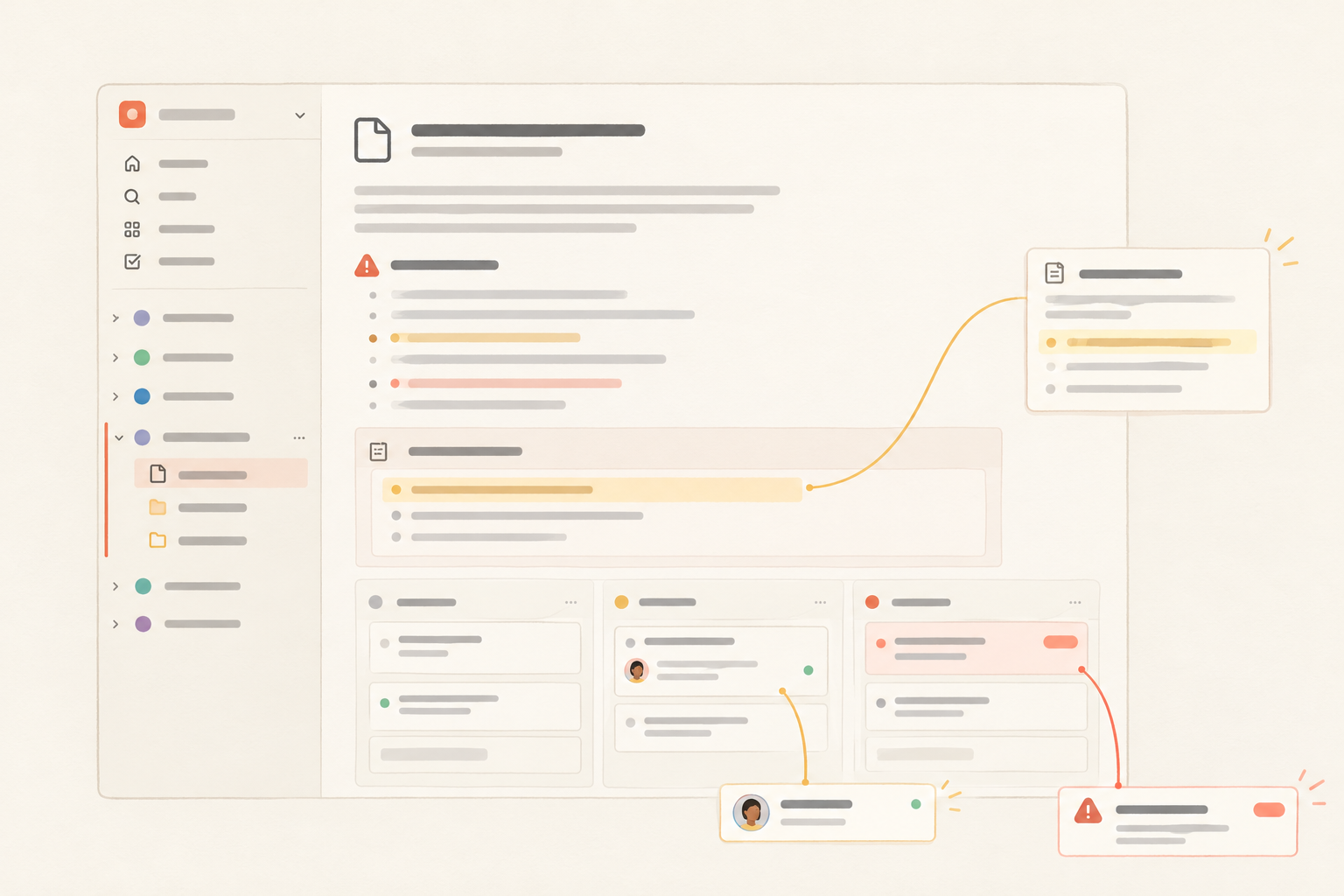
Notework makes this workflow concrete through its Workspace → Project → Page / Collection model. A workspace contains projects, and every page and collection belongs to a project. That means the premortem can live on the same project page as the plan instead of becoming a stray meeting note.
Pages support nested pages, mentions, backlinks, and comments anchored to specific blocks. A teammate can discuss one retained finding without starting a vague conversation about the entire page. Use the page for the context and decisions. Use a collection when the follow-up needs repeatable structure across many entry pages.
Notework collections are structured sets of full entry pages with typed properties. The Task Tracker and Issue Tracker presets provide places for selected preventive tasks and active issues. Create entries only when a finding deserves structured tracking. A monitoring signal can remain on the project page if that is all it needs.
The method works in another shared project tool too. The important operational choice is keeping the premortem connected to the plan, then converting only credible findings into work the team will actually revisit.
Review selected findings when the project reaches the moment that makes them relevant: a dependency test, approval deadline, final review, or launch-readiness review.
Close resolved items. Turn newly active problems into issues. Update the main plan when conditions change. There is rarely a need for another recurring premortem meeting.
Run the exercise before the team becomes committed to an avoidable mistake. Keep the findings that deserve to exist, change the plan where needed, and record a deliberate reason when no action is the right call.
If you want the shared-page workflow in Notework, start a new workspace with a 14-day trial that includes Team-level access. The method works elsewhere too, so use the tool that keeps the project context and follow-up easiest for your team.
See also project overview.
See also turn decisions into owned work.
See also task or issue.
See also .
See also minimum viable process.