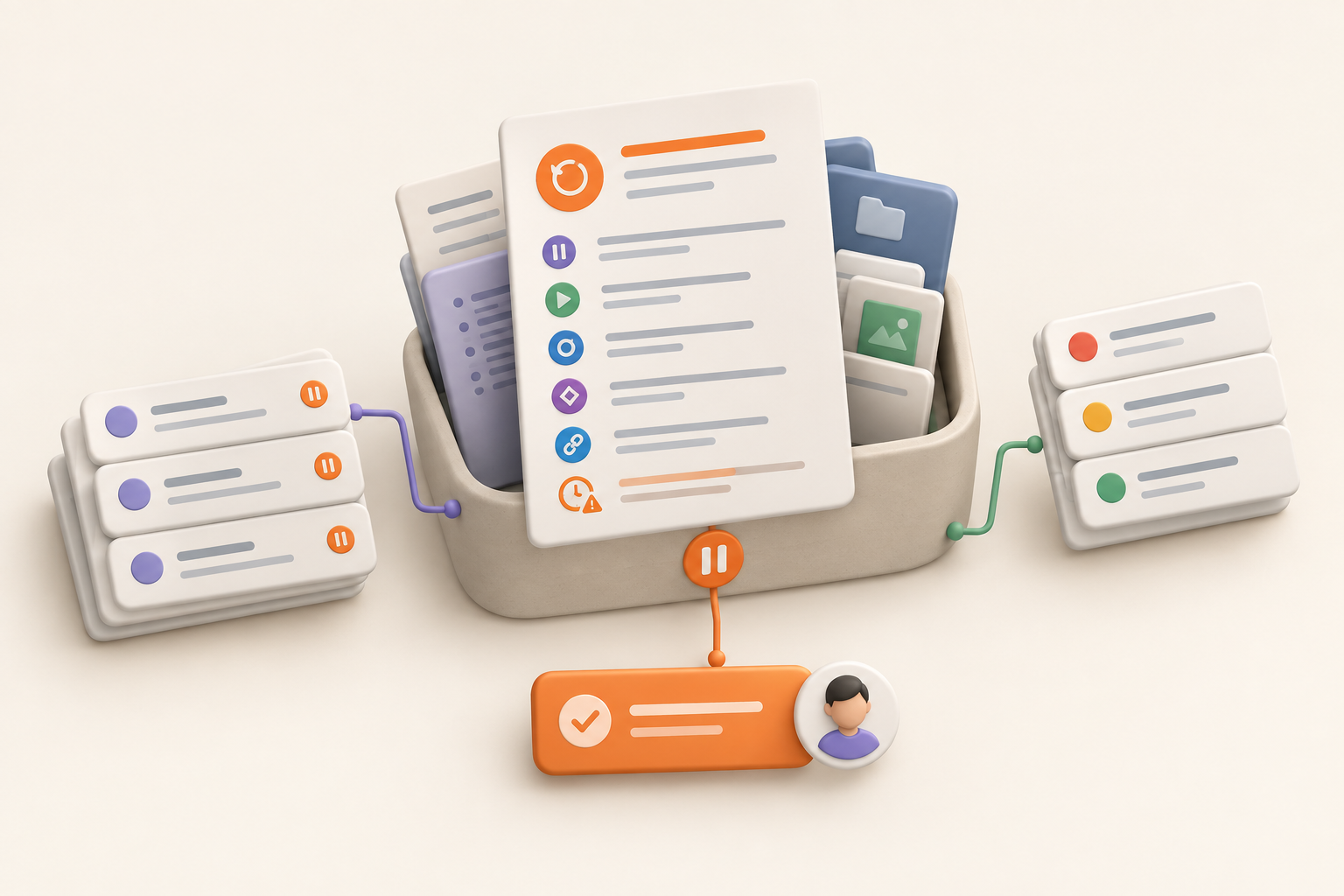
Project Restart Plan: How to Pause Work Without Losing the Plot
Updated Oct 14, 202610 min read
A project can pause in an afternoon. Reconstructing it six months later can take considerably longer.
By then, the original owner may be working elsewhere, the budget may have changed, and the crucial decision may be buried in a Slack thread called “quick question.” A short project restart plan gives the returning team somewhere better to begin.
The useful version is one living page created while the context is still fresh. It records why work stopped, what would justify restarting, what remains unresolved, which assumptions may expire, and who takes the first action. Keep that page beside the project material it points to, rather than creating another isolated status document.
Pausing and closing a project require different records.
A paused project remains unfinished and could resume when a specific condition changes. A closed project has ended because the work is complete, cancelled, replaced, or no longer worth pursuing.
The restart plan should preserve enough context for someone to answer two questions later:
You do not need to retell every meeting, debate, and minor scope adjustment. Link to the underlying material instead. The restart page should work more like a trail marker than an autobiography.
Write a restart plan when work may sit long enough for its context to become unreliable. Common reasons include:
A short pause with an obvious owner may need only a dated note. For example: “Paused until legal reviews the revised terms on Friday. Nina will update the launch checklist afterward.”
A project likely to sit for weeks or months deserves a deliberate restart page. The longer the gap, the more likely it is that the old scope, dates, owners, or constraints will need another look.
Keeping every abandoned idea “on hold” creates a waiting room full of projects nobody intends to collect.
Close the project when its goal no longer matters, another initiative has replaced it, the restart condition is implausible, or nobody will own a future review. A project overview can preserve the final status and useful context without pretending the work is still waiting to resume.
If the project might resume, name a credible trigger and review date. “Maybe someday” is not a restart condition.
A useful restart page is compact enough that someone will actually maintain it. It should orient the returning team and expose what needs reassessment, rather than retell the project’s entire history.
Write the pause rationale plainly. “On hold for now” will be mysterious later, including to the person who wrote it.
A better note might say:
The onboarding redesign paused because engineering capacity moved to the billing migration. Review after the migration ships and the product lead confirms capacity for the remaining implementation work.
Separate the reason for pausing from the restart trigger. The trigger could be a budget decision, resolved dependency, new owner, approval, staffing change, or scheduled review. If resumption requires several conditions, list them.
Summarize where work stopped:
Keep individual tasks and issues in their existing trackers. Update their statuses and add pause context where needed, then link those trackers from the restart page. Copying every task creates a second work list that will drift away from the first one. If the distinction is unclear, review what counts as a task and issue before reorganizing the remaining work.
Do not mark unfinished work as complete merely to tidy the board. A paused task is still unfinished. Its status should make that clear within whatever system your team uses.
Record unresolved choices that could alter the project. Include enough detail to show why each decision matters and who should review it. A useful decision record gives the returning team somewhere to check the reasoning instead of reopening the same debate.
For example:
List outside dependencies too. A vendor commitment, policy review, customer decision, or another team’s project may move while your work is paused.
Plans contain claims that were reasonable when written. Treat those claims as things to verify before resuming work.
Ask what could change while nobody is working on the project:
For each important assumption, record the evidence behind it, when it was last checked, and who can verify it. You do not need an elaborate risk register. A short table works:
| Assumption | Last checked | Recheck with |
|---|---|---|
| Existing account model will remain through launch | March 12 | Engineering lead |
| Research findings still reflect the target customer | February 28 | Product research owner |
| Vendor quote remains valid | March 5 | Operations lead |
Link to the brief, decision notes, research, task list, issue list, relevant conversations, and any partly completed work. Keep source material where it already belongs instead of pasting condensed copies into the restart page. See how to organize project documentation for a broader approach to keeping source material useful without creating duplicate records.
One clear project home matters more than an immaculate archive. A returning teammate should be able to open the project, find the restart page, and follow links to the material behind it. A useful project overview can make that first stop easier to find.
“Restart project” is too vague to assign and too large to finish.
Choose one concrete re-entry action, such as:
Name the person accountable for initiating that reassessment. They do not need to execute the whole project. They need enough authority and context to gather the right people and move the review forward.
Include a review date even when the restart trigger is event-based. Otherwise the project can remain paused after the original trigger has become irrelevant.
Use this as a pause packet rather than a recurring status report:
## Project and pause date
Project:
Paused on:
Project lead:
Next review date:

## Why work paused
What changed, and why did continuing stop making sense?

## Restart trigger
What event, decision, approval, capacity change, or date should prompt review?

## Current state
Completed:
Partly completed:
Blocked:
Not started:

## Remaining work
Link to the current task list:
Link to the current issue list:
Important status notes:

## Open decisions, dependencies, and risks
Item:
Why it matters:
Owner or reviewer:
Linked context:

## Assumptions to recheck
Assumption:
Evidence or source:
Last checked:
Person to verify it:

## Linked project context
Brief:
Decision notes:
Research:
Relevant conversations:
Other source material:

## First action on restart
Action:
Owner:
Add repeated items where the project has several open decisions or assumptions. Keep the page scannable. The detailed history belongs in the linked source material.
Resuming a project calls for a brief reassessment before everyone reopens their old tasks.
After a long pause, reopening every task can preserve work that belongs to an earlier version of the project. Reassess first.
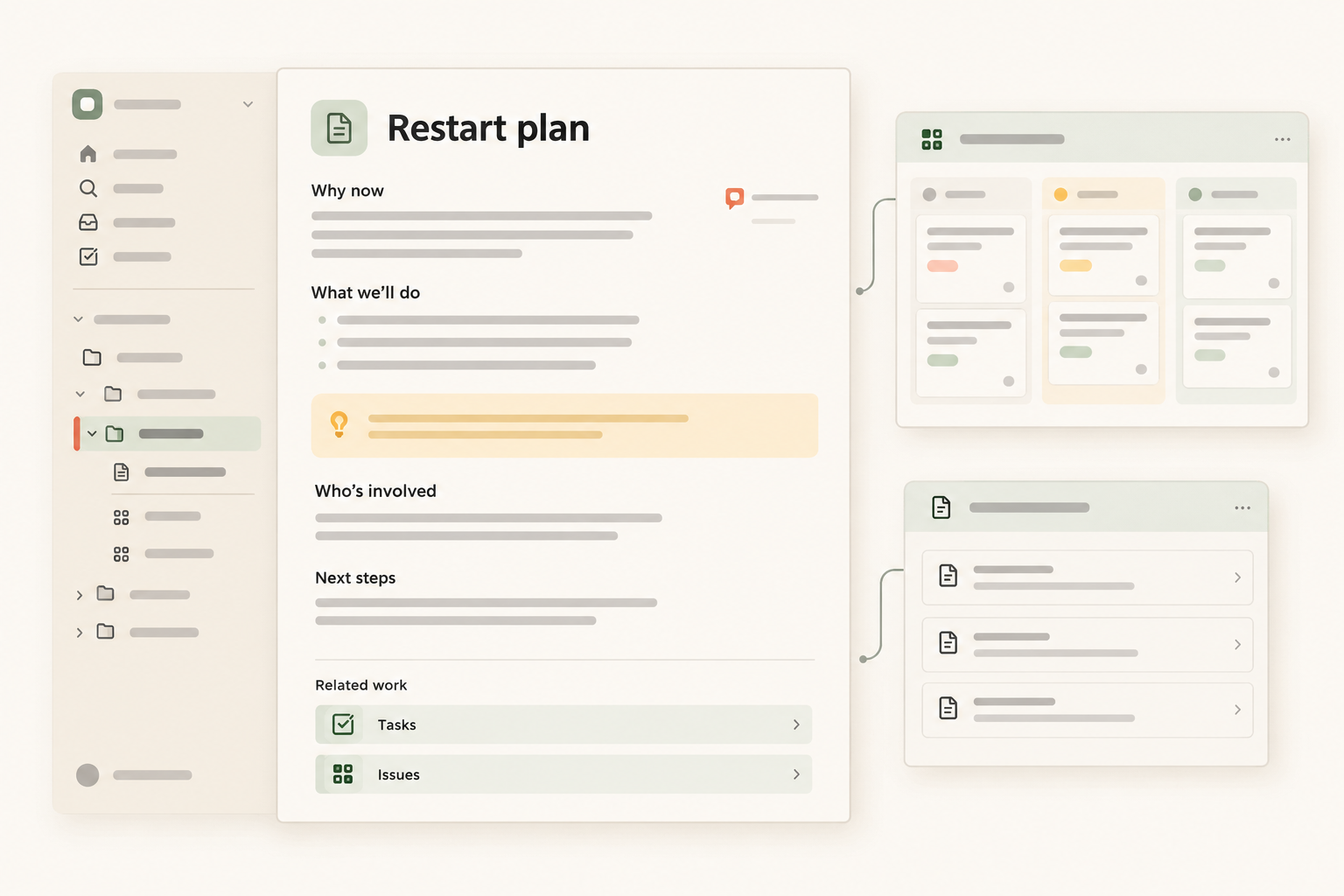
The restart page works best when it is part of the project’s working structure, not a document stored somewhere nearby and forgotten. Notework uses a clear hierarchy: a workspace contains projects, and every page and collection belongs to a project. Each project has a home, which can serve as the re-entry point after a pause.
Create the restart plan as a page in the relevant project. Keep the brief, plans, notes, and decision pages in that project too. Pages support nested pages, mentions, backlinks, and block-anchored comments, so teammates can discuss a specific assumption or restart condition without creating a vague conversation about the whole page.
Keep actionable work in collections rather than copying it into the plan. Notework collections are structured sets of full entry pages with typed properties. Task Tracker and Issue Tracker presets are included, so the project can keep remaining tasks and issues beside the pages that explain them. The restart page points to those collections instead of becoming a second tracker.
When work resumes, saved Table, Board, List, Calendar, Timeline, or Gallery views can show the same collection entries in different ways. A project lead can inspect the remaining work in a table, review dates in a calendar, or group items in a board without creating separate lists that drift apart.
Use the project home as the first stop, with clear paths to the restart page, supporting material, tasks, and issues. If someone remembers what a note discussed but not its title, Notework search combines exact matching with semantic retrieval and only returns content they can access.
This is the practical reason to keep the restart page inside the project. The page holds the decision to pause and the first action to take later. The surrounding pages and collections hold the evidence and work needed to decide whether resuming still makes sense.
Write the page while the context is still fresh, before the rationale, unresolved questions, and useful links become harder to recover. A future team does not need a perfect history. It needs an honest account of where the project stopped, what may have changed, and one owned place to begin.
If you want to keep that structure in one workspace, try Notework or start a 14-day free trial with Team-level access. The trial is for a workspace, and workspaces become read-only if the trial ends without a paid subscription.
See also project overview.
See also how to organize project documentation.
See also document decisions so your team can find them later.
See also task and issue.