Operational Runbook: How to Write One for When Something Goes Wrong
Updated Oct 14, 202611 min read
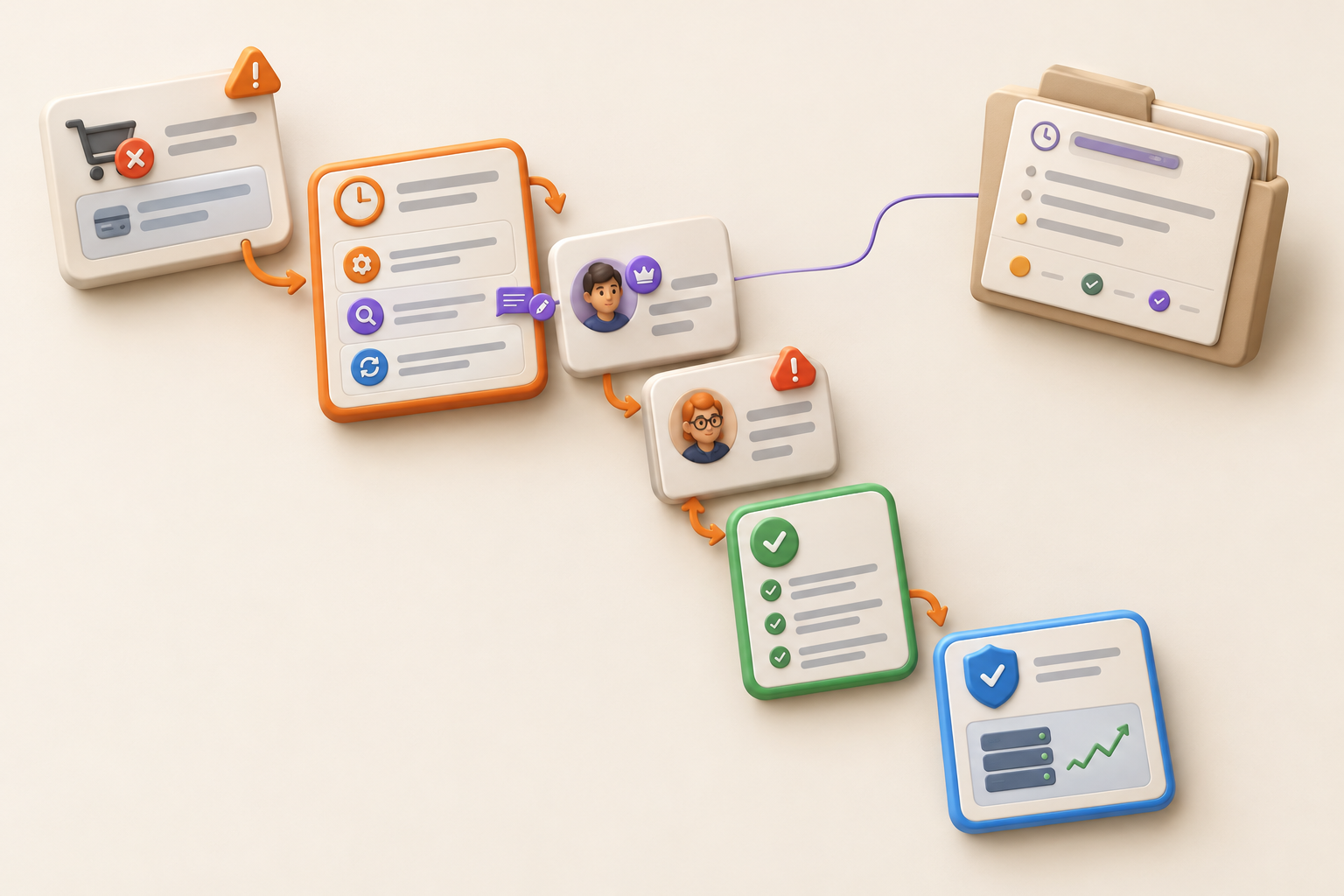
An operational runbook has one job: help someone respond to a specific situation without excavating a pile of background documentation first.
When customers cannot complete checkout, a launch is blocked, or a recurring support failure appears again, the responder needs to know what to do now. The reusable runbook should sit beside the record of each real event, so the team can act quickly and improve the instructions afterward.
AWS defines a runbook as a documented process for achieving a specific outcome through followable steps. In incident management, runbooks are commonly described as step-by-step procedures for managing and resolving IT incidents.
The format also works beyond technical incidents. A small team might write a runbook for:
Each runbook should cover one recognizable condition and one intended outcome. “What to do when operations go wrong” will become a tiny, badly organized encyclopedia.
A useful setup has two parts:
Keeping those parts connected is the simplest way to make a runbook useful during the next failure rather than merely accurate about the last one.
The trigger tells someone when the runbook applies. Describe something the responder can observe, not a vague concern.
Weak trigger:
Use this runbook when checkout has a problem.
Useful trigger:
Use this runbook when support receives two or more reports that customers cannot complete checkout, or when a manual test confirms the reported checkout failure.
Choose signals your team can actually observe. If you do not have an alerting system, do not write as if one will summon the cavalry.
Then state the immediate outcome:
Confirm whether checkout is failing, reduce further customer impact where possible, assign an owner, and establish the next update time.
Permanent repair may come later. The immediate job is to stabilize the situation and move it into an owned recovery process. A minimum viable process is usually enough for a small team starting out.
Put the actions a responder should take immediately at the top. The exact sequence depends on the failure, but it may include:
Adapt the sequence to the event. A checkout failure and an incorrect campaign launch need different containment steps.
For the checkout example:
That final stop condition matters. A runbook should not encourage responders to keep pressing buttons after the situation stops matching the procedure.
“Check the service” makes sense only to the person who already knows what “check” and “service” mean.
A usable instruction answers four questions:
For example:
Open the checkout test page and submit the standard test purchase. A successful test reaches the confirmation page and creates an order with the test account. If no order appears, record the time and visible error, then continue to step 3. If the page cannot be opened, use the escalation path for unavailable internal tools.
Use familiar verbs such as open, check, copy, pause, assign, and send. Name buttons, pages, fields, or locations when those details matter. State required access near the top so the responder does not discover halfway through that the procedure assumes permissions they do not have.
Keep architecture background and policy explanation one link away unless they change the action. The responder needs the test account before they need the history of your payment system.
“Tell someone senior” is not an escalation rule. Neither is “contact the appropriate team.” Both create an avoidable round of organizational detective work.
Document the following in plain language:
A threshold might be continued customer impact, an unsuccessful containment attempt, missing access, or a decision the initial owner cannot authorize. Write the condition and next action together:
If checkout remains unavailable after the approved containment step, contact the operations lead using the current escalation path. Do not attempt an unlisted configuration change.
If your team needs a broader system for routing decisions and contacts, document an escalation path alongside the runbook rather than copying a full directory into the response path.
Completing a step does not prove that it worked.
After a mitigation, tell the responder how to check the original failure again. For a checkout problem, that could mean repeating the standard test, confirming that an order appears, checking whether new customer reports continue, and identifying any part of the experience that remains degraded.
Specify:
A temporary workaround may contain customer impact while the underlying fault still needs investigation. Record that distinction and assign the remaining work before calling the response complete.
A runbook is reusable. An incident or issue record describes one event.
The event record should hold its timeline, evidence, decisions, communications, observed impact, recovery notes, and corrective work. Adding all of that to the reusable runbook makes the procedure longer after every incident and harder to follow next time.
Connect the two instead:
When deciding whether the event needs an issue record or a follow-up task, this guide to task vs. issue can help.
A useful record also preserves decisions. Document decisions so your team can find them later, especially when the response involves a temporary workaround or a customer-facing choice.
Keep these items in the runbook itself:
Put architecture background, full contact directories, policy explanations, detailed investigation notes, and post-incident analysis in linked supporting material.
A general process document explains how normal work happens. An escalation path explains how an issue reaches someone with the right authority or expertise. The incident record preserves what happened during one event. The runbook directs action when a specific condition occurs.
One document can link to all four without trying to become all four. Once your emergency procedure needs a table of contents for its table of contents, it may have wandered off course.
Use this fill-in structure, then remove any field your situation does not need.
For each step, include:
Keep the top of the page short enough to scan. Supporting links can sit below the response path.
Ask a teammate who did not write the runbook to follow it using a realistic scenario and time constraint. Watch without coaching. Coaching turns a test of the document into a test of the author’s ability to rescue it.
Record where the tester:
Review the runbook after a real event, failed handoff, ownership change, or change to the tools and process it describes. Give one person responsibility for approving corrections. Organize project documentation so the procedure, supporting context, and event records remain findable without making the live response path longer.
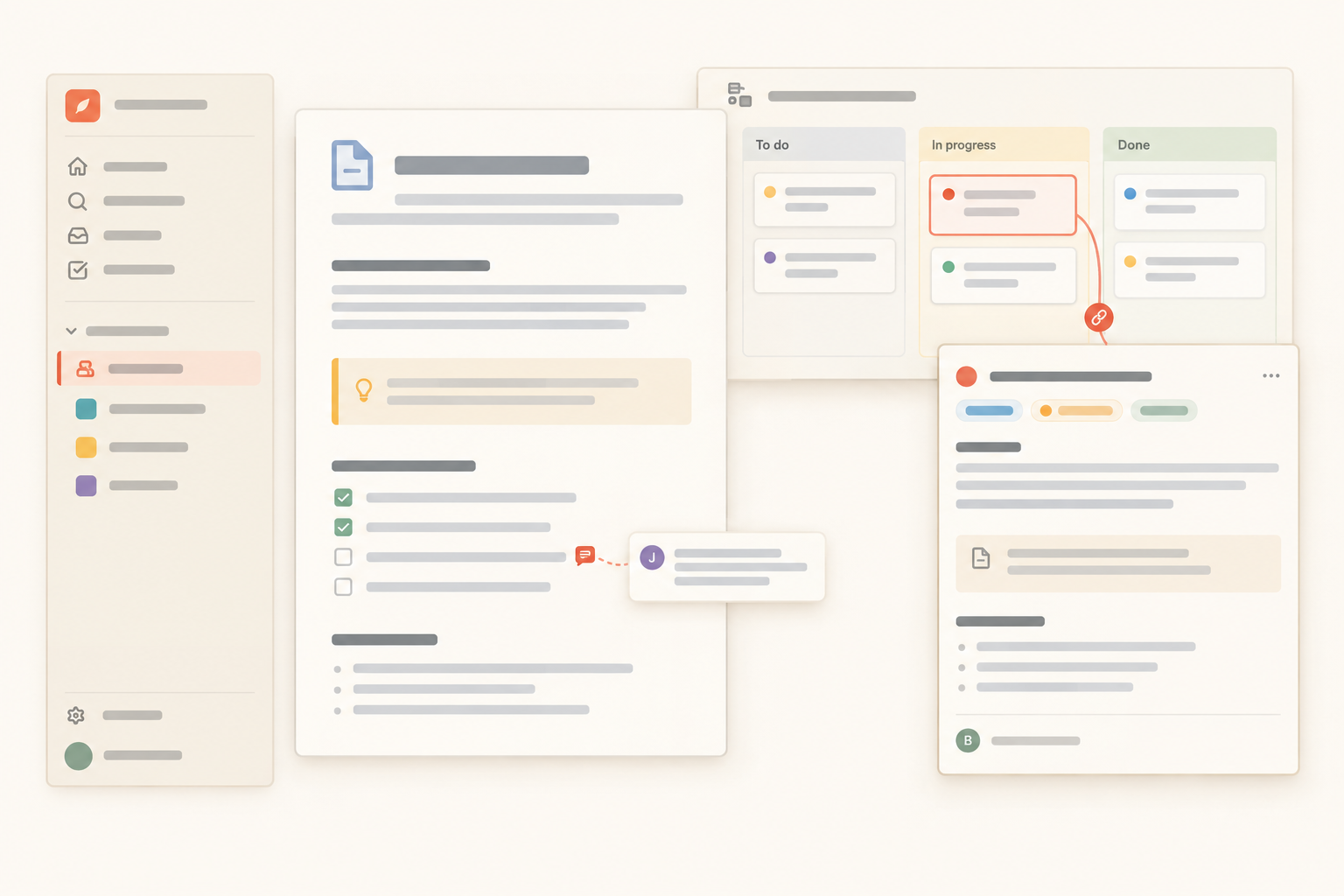
This workflow works in any documentation tool that can connect procedures with event records. The important structure is the relationship: one reusable runbook page, individual issue entries for actual events, and a clear way to flag the instruction that needs correction.
Notework is one way for a small team to set this up. A workspace contains projects, and every page and collection belongs to a project. Keep the reusable runbook as a Page in the relevant Project. Use a Collection with the Issue Tracker preset for individual operational events.
Those collections contain full entry pages with typed properties. Status, Person, Date, Text, Files, and Relation properties can provide a repeatable format for event status, owner, review date, evidence, and the linked runbook. The entry page can hold the event timeline, decisions, recovery notes, and corrective work without changing the reusable procedure.
That separation maps directly to the writing method in this article. The runbook page stays short and action-first. The issue entry preserves what happened. A block-anchored comment can point to the exact instruction that failed, rather than leaving a vague note that “the runbook needs work.” Task Tracker and Issue Tracker presets can also keep corrective work next to the documentation it affects.
Notework does not replace monitoring, alerting, on-call coordination, or specialized incident-management systems. Teams that need those systems should keep them. It can serve as the connected home for procedures and lightweight issue follow-up when that matches the team’s needs.
Choose one recurring, costly failure. Write its observable trigger and first stabilizing actions, add ownership and verification, then ask someone else to follow the procedure without your help.
After the next real use, correct the instruction that slowed the responder down. A good runbook gives someone a clear page to follow and a clear record to improve. That is how the next response becomes pleasantly uneventful.
See also minimum viable process.
See also organize project documentation.
See also document decisions so your team can find them later.
See also turn decisions into owned work.
See also task vs. issue.