How to Test a Notion Migration Before Moving the Whole Team
Updated Nov 5, 202610 min read
A migration can look successful because the page count seems right. Then someone opens a project brief and finds a missing attachment. A board appears intact, but the view people use every morning needs rebuilding. Nobody checked the important notes inside its structured entries.
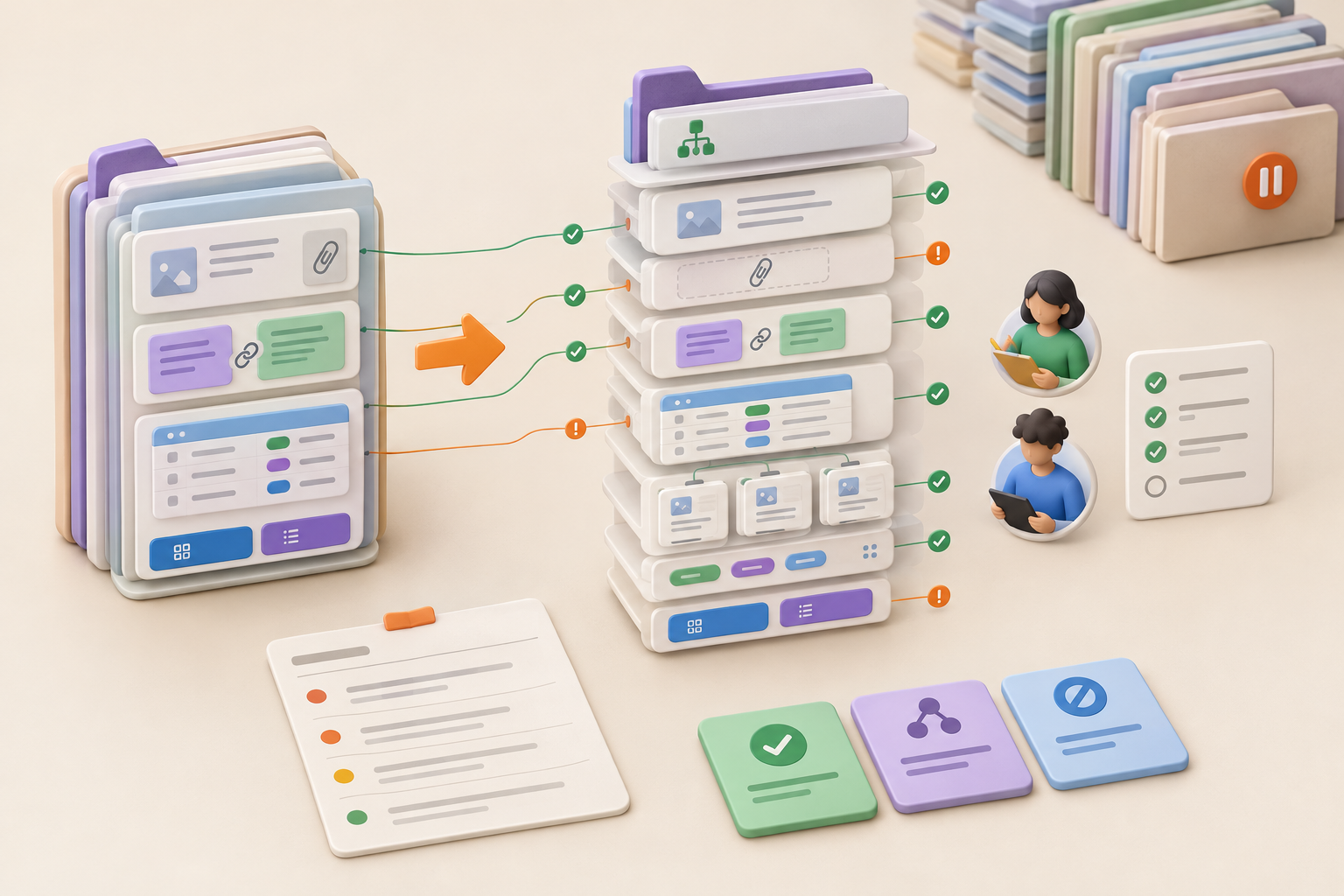
Treat the move as an acceptance test. Choose a representative slice of work, define what must survive, and ask the people who use it to complete ordinary tasks. You’ll learn far more than you would by moving the whole workspace and hoping for the best.
Start with one manageable project rather than involving the entire team. The pilot should be complex enough to reveal migration problems but contained enough for a few people to review carefully.
Notework imports a Notion workspace export, so the pilot is a test sample, not a documented single-project import. Prepare an export that contains the project you want to assess, then keep the imported result separate while you review it. If the export includes other material, mark the pilot project clearly and limit the review to the sample you selected.
Choose an active or recently active project that several collaborators know. It should reflect your usual workspace habits and contain material whose loss would matter.
If you need to reduce clutter before creating the export, start by cleaning up your workspace before migrating. Do not turn the pilot into a full spring-cleaning exercise, though. You want to test the work as it actually exists.
A useful pilot usually contains:
You don’t need a museum of every block created since 2018. Pick normal complexity, then add a few high-risk examples that the team depends on.
Avoid starting with your most sensitive or business-critical project. A pilot needs real content, but an experiment shouldn’t become an emergency.
A disposable page proves very little. So does an archive containing three headings and a PDF nobody has opened in two years.
The cleanest project may hide exactly what you need to test: deep nesting, attachments, structured content, and the routes people take between a project overview and detailed work.
One perfect page can pass while the working project falls apart. That’s a demo, not a pilot.
Write acceptance criteria before anyone sees the imported result. Cosmetic differences have a habit of taking over the conversation.
Divide the criteria into three groups:
You might require every project decision to remain readable, allow an owner to repair a few view filters, and drop an elaborate status scheme nobody wants to maintain.
List the pages that carry essential context. Check more than titles and page counts.
A passing result might require:
For a practical checklist on the material a project home should contain, see this guide to what to include in a project overview.
The page’s existence is a low bar. Its contents need to remain understandable.
Record the attachments that must open after import. Include common file types and any unusual files the project depends on.
Identify links that point elsewhere in the workspace, references to other projects, and collaboration context that needs separate verification. Visible page content transferring successfully doesn’t prove that every permission, reference, or link type behaved the same way.
For each important structured set, record:
This prevents a common mistake: checking the collection view while ignoring the detailed content inside its entries.
Use Notion’s current export options to prepare a workspace export in the formats Notework accepts: Markdown/HTML plus CSV. Notework can import that export on the web. The import isn’t available in Notework’s iOS or Android apps.
Keep the pilot separate from live destination content while people inspect it. Give the test a clear name and limit who may change it during review. Otherwise, nobody can tell whether an odd result came from the import or from someone helpfully reorganizing everything afterward.
Every new Notework workspace starts with a 14-day free trial with Team-level access, which can provide a contained place for the pilot. Notework AI isn’t included in the trial by default, and it isn’t needed for this test. If the trial ends unpaid, the workspace becomes read-only, while viewing and export remain available.
In Notework, a workspace contains projects, and every page and collection belongs to a project. Confirm that the pilot has a sensible project home and that reviewers can understand where its pages and collections belong.
That structure is part of the test. A technically successful import still needs a clear place to start and a sensible relationship between project context, pages, and collections. See the guide to organizing project documentation for a broader approach to that work.
Notework’s web importer can bring over page hierarchy, page bodies, attachments where present, databases as collections, and recoverable properties and views.
Fidelity is best-effort. Supported material is preserved where it can be recovered, but perfect reproduction of every Notion feature or block isn’t guaranteed. Your pilot should identify where the setup needs cleanup, simplification, or a changed workflow.
Judge whether required information remains reliable and people can continue working. Exact visual matching is less useful than a working project with usable context.
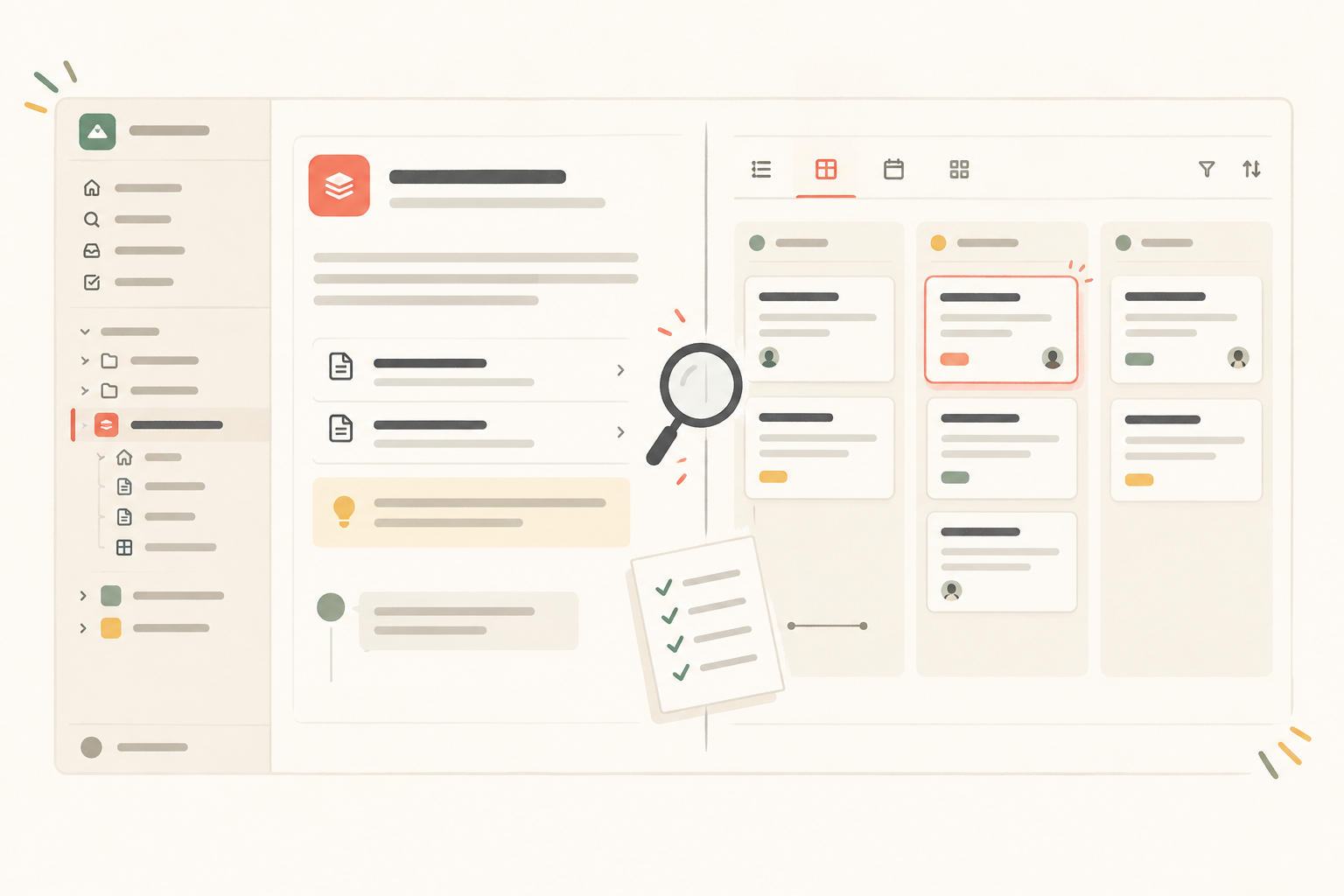
Keep the source available for comparison. Review a selected sample carefully instead of clicking through dozens of pages at speed.
Open important pages at several levels of the hierarchy. Compare headings, paragraphs, lists, and essential context with the source. Open required attachments rather than merely confirming that their filenames appear.
Ask a reviewer who didn’t run the import to enter through the project home and find the brief, a decision, and a supporting page. Their route often exposes confusing nesting that the workspace owner overlooks.
A Notework collection is a structured set of full entry pages with typed properties. Each entry page can contain supporting notes and context in addition to its properties.
Open a varied sample:
Confirm that the properties and page content are usable. A polished board can conceal incomplete entry pages surprisingly well.
Review required property names, types, and values, paying particular attention to fields used for ownership, dates, status, or routine decisions.
Notework collections support Table, Board, List, Calendar, Timeline, and Gallery views. Each view is a saved way of looking at the same collection entries, not a separate dataset. Check the views people use, including their filters, sorting, grouping, and visible properties. Recoverable views may import, but every source configuration isn’t guaranteed to look exactly as it did before.
Workspace owners know too much. They can often find content despite confusing navigation because they remember where it used to live.
Ask a few regular collaborators to:
Record hesitation, dead ends, and reliance on the old workspace even when the content is technically present. Migration quality includes findability and day-to-day fit.
Scattered comments and vague recollections make migration decisions needlessly political. Keep one fidelity-gap log that reviewers can update and retest. A project log can also help preserve the decisions made during the pilot.
| Field | What to record |
|---|---|
| Source item | Original page, entry, attachment, property, or view |
| Expected outcome | The acceptance criterion it should meet |
| Imported outcome | What reviewers found |
| Severity | Blocker, cleanup, or accepted workflow change |
| Resolution | Proposed repair, workaround, or simplification |
| Owner | Person responsible for follow-up |
| Decision | Open, accepted, fixed, or paused |
| Retest notes | Evidence from the later review |
A blocker is missing or unreliable information that prevents a required workflow. An essential attachment that won’t open or a property problem that makes active work unreliable may qualify.
Cleanup is bounded manual repair with a clear owner. Renaming a view or reorganizing a small number of pages may be acceptable if the effort fits the limit set before import.
An accepted workflow change is intentional. The pilot might reveal that the team no longer needs several overlapping views or a complicated property scheme. Document that choice so it isn’t mistaken for an unresolved import failure.
Return to the acceptance criteria and gap log. Don’t decide based on whether the destination feels generally promising.
Proceed in stages when required content is intact, ordinary tasks work, cleanup is bounded and assigned, and no unresolved blocker threatens the project’s source of truth.
Simplify first when the information survived but reproducing the old setup would carry unnecessary complexity into the destination. Notework is positioned as a simpler, more opinionated alternative to Notion for small teams that want docs, projects, tasks, issues, and structured information together. A pilot may show that fewer properties, clearer project boundaries, or fewer overlapping views support the work just as well. Teams moving away from an over-flexible workspace may find it useful to simplify the workspace before scaling the migration.
Pause when essential information can’t be validated, required workflows fail, or repair effort remains uncertain. Finding that out during a pilot is considerably cheaper than discovering it after the whole team switches.
Assign an owner to each project or migration batch. Export close to the planned cutover, tell everyone which workspace is the current source of truth, and preserve an export before making major changes. Keep access to the prior material for as long as your team decides is appropriate.
Repeat the acceptance checks for later batches, especially when they contain different content or workflows. One successful project is evidence for moving forward. It doesn’t guarantee that every corner of a larger workspace will behave identically.
Notework supports self-serve export of pages, collections, projects, a workspace, or account data, subject to permission. Use those exports where they help your team preserve and inspect material during the staged move.
See also clean up your workspace before migrating.
See also organize project documentation.
See also keep a project log.